
 by
Is your phone battery draining fast even when you hardly use it? You are not alone. Many Android and iPhone users find that their battery drops quickly after an update, as the phone gets older, or because of a few hidden settings and apps running in the background.
The good news is that most causes are easy to find and fix. In this guide, we explain why your phone battery draining fast happens and share 12 easy fixes that work on most phones in 2026, along with simple charging habits that help your battery last longer.
Phone Battery Draining Fast: Quick Fix Table
| Problem | Quick fix |
|---|---|
| Screen too bright | Turn on adaptive or auto brightness |
| Apps running in background | Restrict background activity for heavy apps |
| Weak mobile signal | Use Wi-Fi where possible or switch network mode |
| Location always on | Allow location only while using the app |
| Old software | Install system and app updates |
| Ageing battery | Check battery health and replace at an authorised centre |
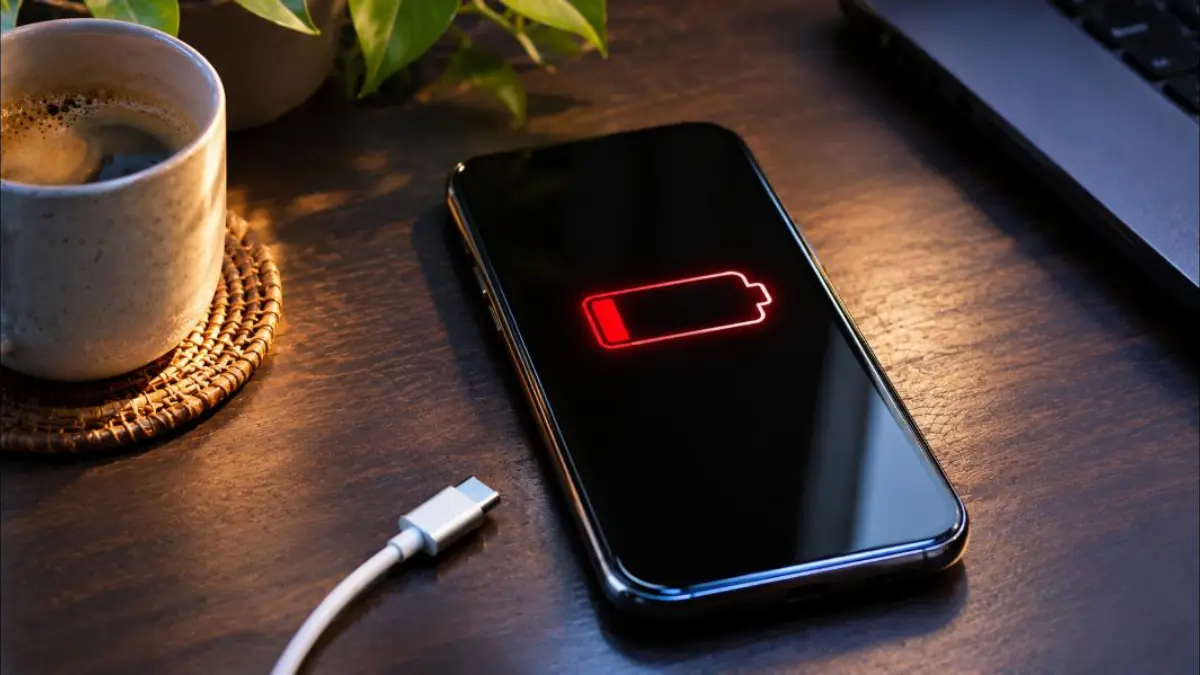
Why Is My Phone Battery Draining Fast?
Before trying fixes, it helps to understand what uses the most power on a smartphone. The display, the processor, mobile data and GPS are the biggest consumers. When any of these work harder than needed, you notice the phone battery draining fast.
- Display: High brightness, long screen timeout and high refresh rates use a lot of power.
- Background apps: Social media, shopping and some games keep syncing, refreshing and sending notifications.
- Weak network: When signal is poor, the phone increases power to stay connected.
- Location services: Apps that track location constantly keep GPS active.
- Software bugs: A faulty app or system update can cause abnormal drain.
- Battery age: All lithium-ion batteries lose capacity over time and charge cycles.
- Heat: High temperatures make batteries drain faster and age quicker. Our guide on phone overheating explains how to keep your phone cool.
Step 1: Check Which Apps Use the Most Battery
The first step to fix a phone battery draining fast is to find the culprit. Both Android and iPhone show battery usage by app.
- Android: Open Settings, then Battery, then Battery usage. The exact names differ slightly by brand.
- iPhone: Open Settings, then Battery, and scroll down to see usage by app for the last 24 hours or 10 days.
If an app you rarely use appears near the top, it is probably running in the background. Update it, restrict it or uninstall it if you do not need it.
12 Easy Fixes for Phone Battery Draining Fast
1. Lower Screen Brightness and Use Auto Brightness
The screen is usually the biggest battery user. Turn on adaptive or auto brightness so the phone adjusts to the light around you. Indoors, you rarely need maximum brightness.
2. Reduce Screen Timeout
Set the screen to turn off after 30 seconds or 1 minute of inactivity. A screen that stays on for several minutes after you put the phone down wastes power every time.
3. Use Dark Mode
On phones with OLED or AMOLED displays, dark mode can save battery because black pixels use very little power. It is also easier on the eyes at night.
4. Lower the Refresh Rate
Many phones now have 90Hz, 120Hz or higher refresh rates. They look smooth but use more power. If battery life matters more to you, switch to a standard or adaptive refresh rate in display settings.
5. Restrict Background Activity
On Android, open the app info page and set battery usage to optimised or restricted for apps that do not need to run all the time. On iPhone, turn off Background App Refresh for apps that do not need it.
6. Manage Location Permissions
Check which apps can access your location. Change most of them to “only while using the app” and turn off location for apps that do not need it at all.
7. Use Wi-Fi When Available
Mobile data, especially in areas with weak signal, can drain the battery quickly. When you are at home or in the office, connect to Wi-Fi. If you are in a low-signal area for a long time, consider turning on airplane mode when you do not need calls.
8. Turn Off Features You Are Not Using
Bluetooth, NFC, mobile hotspot and always-on display all use some power. Turn them off when not needed. Hotspot in particular can make your phone battery draining fast within an hour.
9. Reduce Notifications
Every notification wakes the screen and the processor. Turn off notifications for apps that are not important, such as games and shopping apps.
10. Update Your Phone and Apps
Software updates often include battery optimisations and bug fixes. Go to system settings and install the latest updates, and update apps from the official app store. If the drain started after an update, wait a day or two, because phones often re-index data after big updates.
11. Turn On Battery Saver Mode
Battery saver or low power mode reduces background activity, visual effects and performance to extend battery life. Use it when you are travelling or when the battery is below 20%.
12. Check Battery Health
If your phone is two or three years old, the battery may simply be worn out. iPhones show battery health in Settings, under Battery. Many Android phones show battery information in settings or in the brand’s support app. If health is low, replace the battery at an authorised service centre.
Android-Specific Tips
- Use the built-in battery optimisation or adaptive battery feature, which learns how you use apps.
- Remove unused home screen widgets that refresh constantly.
- Avoid live wallpapers if you want maximum battery life.
- Check for apps that keep the phone awake using the battery usage screen.
- Use the brand’s official device care or phone manager app, not third-party “battery booster” apps.
iPhone-Specific Tips
- Turn on Optimised Battery Charging to reduce battery ageing.
- Turn off Background App Refresh for apps that do not need it.
- Use Low Power Mode when needed.
- Review Location Services and System Services in privacy settings.
- Check Apple’s official guidance on battery performance for more tips.
Brand-Wise Settings to Check
Menu names change slightly between brands and software versions, but most phones have similar battery tools. Here is where to look if you find your phone battery draining fast.
Samsung
Open Settings and look for Battery or Device care. You can see battery usage, turn on power saving and set apps to sleep. Putting rarely used apps into sleeping or deep sleeping lists can reduce background drain.
Xiaomi, Redmi and POCO
Go to Settings, then Battery. Use battery saver, check app battery usage and set background restrictions for apps you do not need running all the time.
Realme, OPPO and Vivo
Look for Battery in settings. These phones usually offer power saving modes, app battery management and options to stop apps from auto-launching in the background.
OnePlus
Open Battery settings to view usage, turn on battery saver and use battery optimisation for individual apps.
Google Pixel
Pixel phones offer Adaptive Battery, which learns which apps you use most and limits others. Also check Battery usage to find heavy apps.
Check for Drain While Idle
A simple test can tell you whether your phone battery draining fast is caused by apps running while you are not using the phone. Charge to around 80%, note the percentage at night, leave the phone idle on Wi-Fi with the screen off, and check the percentage in the morning.
A small drop overnight is normal. If the battery falls a lot while idle, an app or setting is keeping the phone awake. Check battery usage for apps that show high background activity, and restrict or remove them one by one.
5G, Signal and Battery Life
Fast networks are great, but in areas where 5G coverage is patchy, your phone may keep switching between networks, which uses extra power. If you notice your phone battery draining fast in such areas, try switching to a 4G preferred mode in mobile network settings for a while and see if battery life improves.
The same applies to basements, lifts and rural areas with weak signal. The phone boosts its radio power to stay connected, so battery drops faster. Using Wi-Fi calling where available can help in places with good Wi-Fi but poor mobile signal.
Types of Apps That Often Drain Battery
- Social media apps: Auto-playing videos and constant refreshing.
- Navigation apps: GPS and screen use for long periods.
- Video streaming apps: Long screen-on time and data use.
- Heavy games: High processor and graphics load.
- Cleaner and booster apps: Many run constantly in the background and do more harm than good.
You do not need to delete useful apps. Just control their background activity, notifications and auto-play settings.
Battery Settings Checklist
| Setting | Recommended |
|---|---|
| Brightness | Auto / adaptive |
| Screen timeout | 30 seconds to 1 minute |
| Theme | Dark mode (OLED phones) |
| Refresh rate | Standard or adaptive |
| Location | Only while using apps |
| Background refresh | Off for non-essential apps |
| Bluetooth, NFC, hotspot | Off when not in use |
| Software | Latest version |
Go through this checklist once a month. It takes only a few minutes and keeps your phone battery draining fast problem under control.
Tips for Travellers
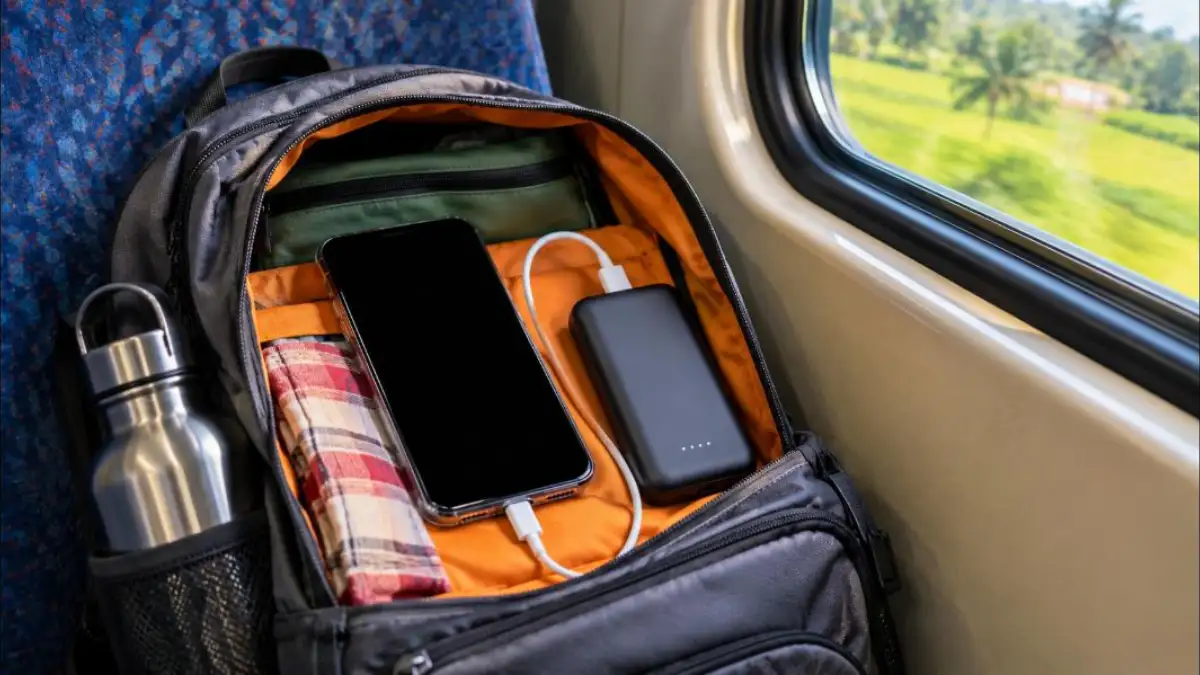
Long journeys by bus or train often mean weak signal and limited charging points. Before travelling, charge fully, turn on battery saver, download maps and entertainment for offline use and carry a reliable power bank from a trusted brand. Keep the phone away from direct sunlight near windows, because heat increases drain.
If you only need calls and messages, airplane mode with Wi-Fi off can stretch battery for many hours. Turn it off briefly to check messages at intervals.
Good Charging Habits for Longer Battery Life
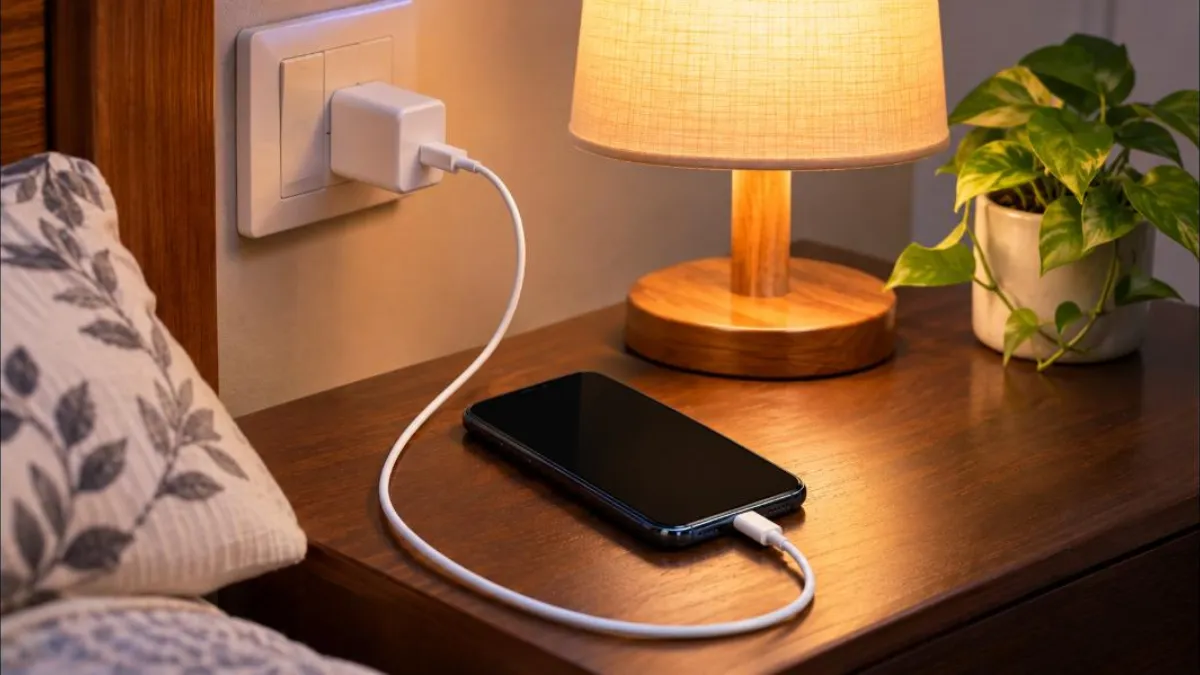
How you charge your phone also affects how quickly the battery ages. These habits help keep your battery healthy so that you see the phone battery draining fast less often in the future.
- Use the original charger or a certified one from a trusted brand.
- Avoid charging in very hot places, like a car dashboard in the sun.
- Remove thick cases if the phone gets hot while charging.
- Try to keep charge roughly between 20% and 80% for daily use when convenient.
- Do not use the phone for heavy gaming while it is charging.
- Use the phone’s built-in optimised charging feature if available.
Myths About Phone Batteries
| Myth | Fact |
|---|---|
| You must drain the battery to 0% before charging | Modern lithium-ion batteries do not need full discharge cycles |
| Closing all apps saves battery | Force-closing apps repeatedly can use more power when they restart |
| Battery booster apps help | Most are unnecessary and some show ads or use more power |
| Charging overnight always damages the battery | Phones manage charging, but heat and long periods at 100% can add wear |
Phone Battery Draining Fast on a New Phone?
New phones sometimes seem to drain quickly in the first few days. This is often because the phone is restoring backups, downloading apps, indexing photos and learning your usage patterns. Give it two or three days of normal use before judging battery life.
If your new phone still shows the phone battery draining fast after a week, check battery usage for unusual apps, update the software and reset settings that were copied from your old phone. If the problem continues, contact the brand’s official support while the phone is under warranty.
Safe Power Bank and Charger Tips
- Buy chargers and power banks from authorised stores, not from roadside sellers.
- Check for proper certification marks on the product and packaging.
- Avoid charging with damaged cables or loose adapters.
- Do not leave the phone charging on beds or pillows, where heat cannot escape.
- Unplug the charger from the wall when not in use.
Should You Reset Your Phone?
A factory reset is the last option, but it can fix a phone battery draining fast when the cause is a deep software problem. Before resetting, back up your photos, contacts and chats. After the reset, install only the apps you really need, one by one, and watch battery usage for a few days. If drain returns after installing a certain app, you have found the cause.
If battery life is still poor even after a reset, the issue is most likely the battery itself, and a replacement at an authorised service centre is the best fix.
When to Visit a Service Centre
Sometimes a phone battery draining fast is a sign of a hardware problem. Visit an authorised service centre if you notice any of these signs.
- The battery drops suddenly from a high percentage to zero.
- The phone shuts down even with charge remaining.
- The phone gets very hot without heavy use.
- The back panel or screen looks swollen or lifted.
- The battery health shown in settings is very low.
A swollen battery can be dangerous. Stop using and charging the phone and get it checked immediately.
Simple Daily Routine for Better Battery
You do not need to change settings every day. Build a few small habits and you will rarely face a phone battery draining fast problem.
- Morning: Unplug at around 80 to 90% if you charged overnight with optimised charging.
- Daytime: Keep brightness on auto and avoid leaving videos playing in the background.
- Commute: Download music or videos at home on Wi-Fi instead of streaming on weak mobile data.
- Evening: Close navigation apps after reaching home and turn off hotspot.
- Weekly: Check battery usage once to spot any new app causing drain.
These habits take almost no effort, but they add hours of extra battery life over a week and slow down long-term battery ageing.
Phone Battery Draining Fast: Quick Recap
If you notice your phone battery draining fast, start with the battery usage screen. A phone battery draining fast is most often caused by screen brightness, background apps or weak signal.
When a phone battery draining fast continues after these fixes, check battery health. Finally, if your phone battery draining fast comes with heat or swelling, visit an authorised service centre without delay.
Bookmark this page so you can quickly check these steps the next time you see your phone battery draining fast.
Frequently Asked Questions
Why does my phone battery drain fast on video calls?
Video calls use the camera, screen, processor and data at the same time, which is one of the heaviest loads on a phone.
Why is my phone battery draining fast after an update?
After big updates, phones often re-index files and optimise apps in the background. This can cause extra drain for a day or two. If it continues, check battery usage by app.
Does dark mode really save battery?
Yes, on phones with OLED or AMOLED screens. On LCD screens, the saving is small.
Is it safe to use fast chargers?
Yes, if you use the original or a certified charger. Phones control the charging speed to protect the battery.
How long does a phone battery last?
Most smartphone batteries start losing noticeable capacity after a couple of years of daily charging, depending on usage and heat.
Should I use battery saver all the time?
You can, but it may limit background updates and performance. Many people use it only when the battery is low.
Conclusion
A phone battery draining fast is usually caused by bright screens, background apps, weak signal or an ageing battery. Start by checking battery usage, then apply the 12 easy fixes in this guide. Most users see a clear improvement within a day.
If nothing helps, check battery health and visit an authorised service centre. For more phone tips, read our guide to block spam calls and keep your phone running smoothly.