by
by Aadhaar Card Download Online is the quickest way to get a copy of your Aadhaar when the original letter is lost, damaged or simply not with you. UIDAI allows every resident to download an electronic Aadhaar, called e-Aadhaar, from its official portal for free. The e-Aadhaar is digitally signed by UIDAI and is valid as proof of identity and address, exactly like the printed letter. In this guide, you will learn every method to download it safely and quickly.
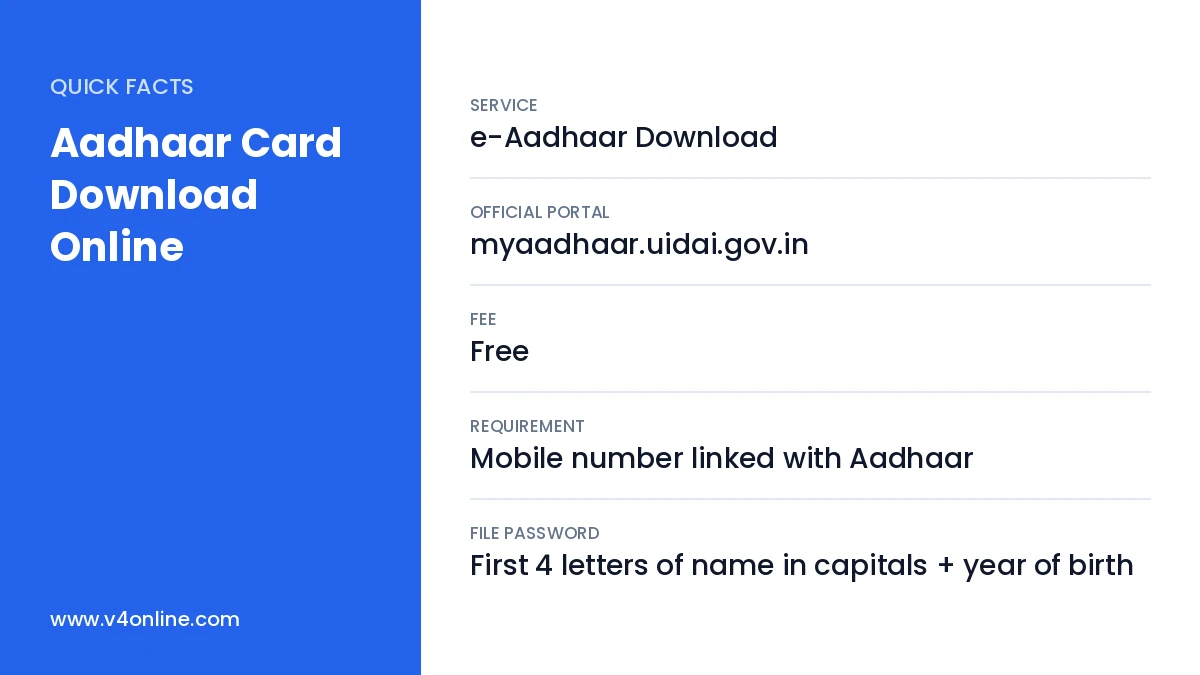
| Service | e-Aadhaar Download |
|---|---|
| Official Portal | myaadhaar.uidai.gov.in |
| Fee | Free |
| Requirement | Mobile number linked with Aadhaar |
| File Password | First 4 letters of name in capitals + year of birth |
What Is e-Aadhaar?
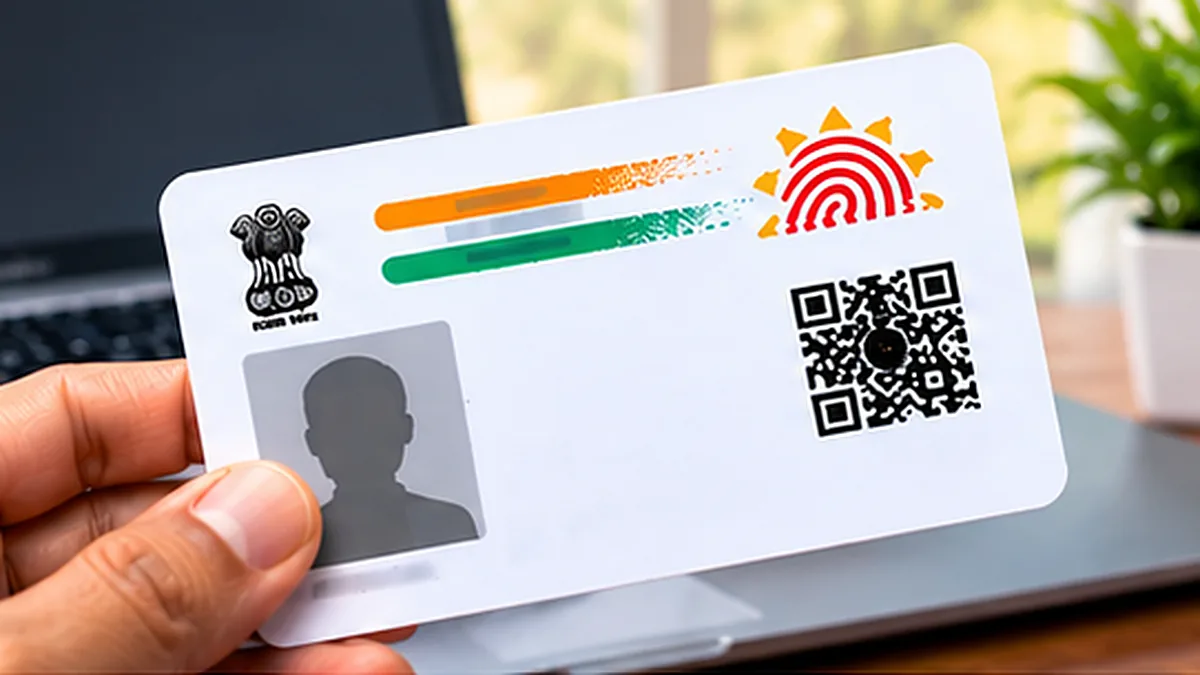
e-Aadhaar is a password-protected PDF copy of your Aadhaar. It contains your photo, name, date of birth, gender, address and a secure QR code, along with the digital signature of UIDAI. Because it is signed digitally, it is as valid as the physical Aadhaar letter. You can print it on plain paper and use it for opening bank accounts, buying a SIM card, applying for scholarships and many other services.
Ways to Do Aadhaar Card Download Online
- Using your 12-digit Aadhaar number.
- Using your 28-digit Enrolment ID (EID) from the enrolment slip.
- Using your 16-digit Virtual ID (VID).
- Through the official Aadhaar app or mAadhaar app.
- Through DigiLocker, where Aadhaar is available as an issued document.
Requirements Before You Start
The most important requirement is a mobile number linked with your Aadhaar, because the OTP is sent only to that number. If your number has changed, update it first by following our guide on Aadhaar mobile number update. Also keep a PDF reader on your phone or computer so that you can open the downloaded file with the password.
Aadhaar Card Download Online: Step-by-Step Process
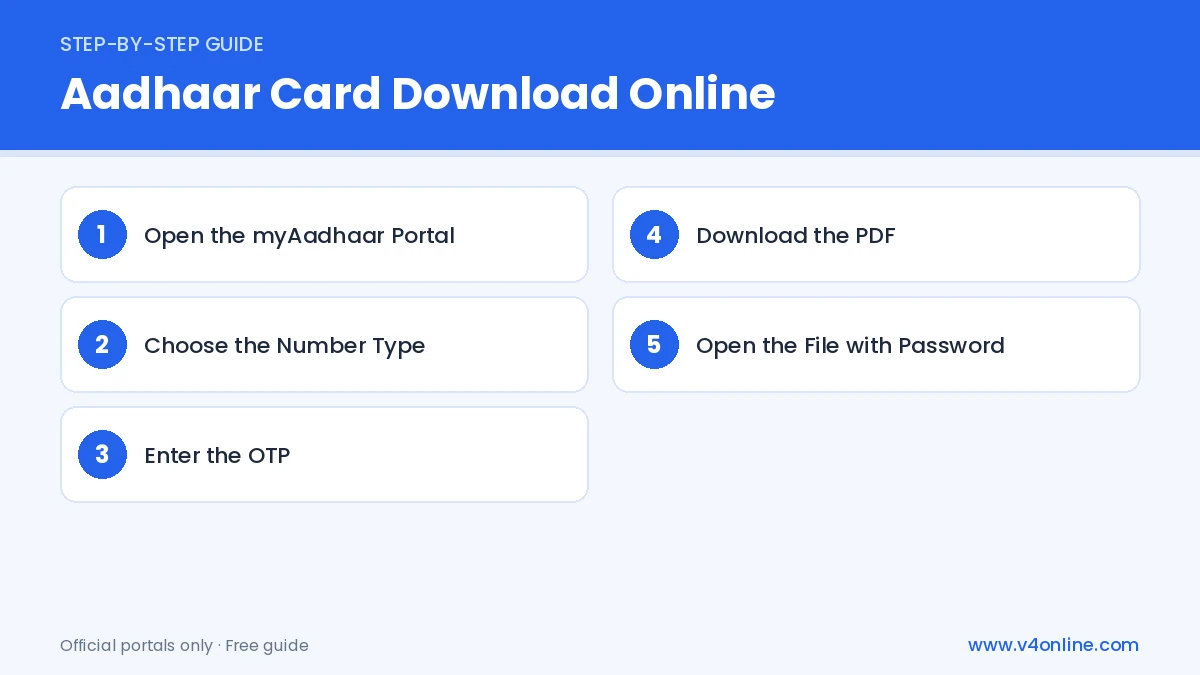
Step 1: Open the myAadhaar Portal
Visit myaadhaar.uidai.gov.in in your browser. On the home page, find and click the option named “Download Aadhaar”. You can use a phone or a computer for this process.
Step 2: Choose the Number Type
Select whether you want to use your Aadhaar number, Enrolment ID or Virtual ID. Type the number carefully and fill in the captcha code shown on the screen.
Step 3: Enter the OTP
Click “Send OTP”. An OTP will arrive on the mobile number linked with your Aadhaar. Enter it in the box. If you want to hide the first eight digits of your Aadhaar number, tick the “Masked Aadhaar” option.
Step 4: Download the PDF
Click “Verify & Download”. Your e-Aadhaar PDF will be saved in the downloads folder of your device. Do not share this file on public groups or with unknown people.
Step 5: Open the File with Password
The PDF is protected. The password is the first four letters of your name in capital letters followed by your year of birth. For example, if your name is RAHUL and you were born in 1995, the password is RAHU1995.
What Is Masked Aadhaar?
A masked Aadhaar hides the first eight digits of your Aadhaar number and shows only the last four digits. It is safer to share with hotels, travel agents and private companies, because your full number is not exposed. UIDAI recommends using masked Aadhaar wherever the full number is not required. You can choose this option during Aadhaar Card Download Online without any extra cost.
Download Aadhaar Using the Mobile App
Install the official Aadhaar app from the Play Store or App Store. Register with your Aadhaar number and verify with OTP and face authentication. Once registered, your Aadhaar details appear inside the app, and you can download or share the e-Aadhaar directly. The app also lets you lock and unlock biometrics, which gives extra protection against misuse.
If You Lost Your Aadhaar Number
If you do not remember your Aadhaar number or Enrolment ID, use the “Retrieve EID/UID” option on the UIDAI website. Enter your name, registered mobile number or email and the captcha. The Aadhaar number will be sent to your mobile by SMS. After that, you can complete the Aadhaar Card Download Online process normally.
Safety Tips for Using e-Aadhaar
After Aadhaar Card Download Online, store the PDF in a secure folder and delete it from shared devices such as office or cafe computers. Never post your Aadhaar on social media. When a shop or company asks for a copy, write the purpose and date on the photocopy so it cannot be misused. You can also lock your biometrics through the Aadhaar app and unlock them only when needed for authentication.
Frequently Asked Questions
Is Aadhaar Card Download Online free?
Yes. UIDAI does not charge any fee for downloading e-Aadhaar.
Is a printed e-Aadhaar valid?
Yes. A printout of e-Aadhaar is as valid as the original Aadhaar letter.
Can I download Aadhaar without a registered mobile?
No. OTP verification is necessary. Link your mobile at an Aadhaar centre first.
How many times can I download e-Aadhaar?
There is no limit. You can download it whenever you need a fresh copy.
Conclusion
Aadhaar Card Download Online takes just a few minutes when your mobile number is linked. Use only the official UIDAI portal or app, prefer the masked version for sharing, and keep your file password safe. If your details need correction, see our guide on Aadhaar address update online before downloading a fresh copy.