by
by Aadhaar Address Update Online helps you change the address in your Aadhaar from home, without standing in a queue at an enrolment centre. If you have moved to a new house, shifted to another district after marriage or simply found a spelling mistake in your address, you can correct it on the official myAadhaar portal. You only need a registered mobile number and a valid address proof. This guide explains the full process, documents, fee and status tracking.
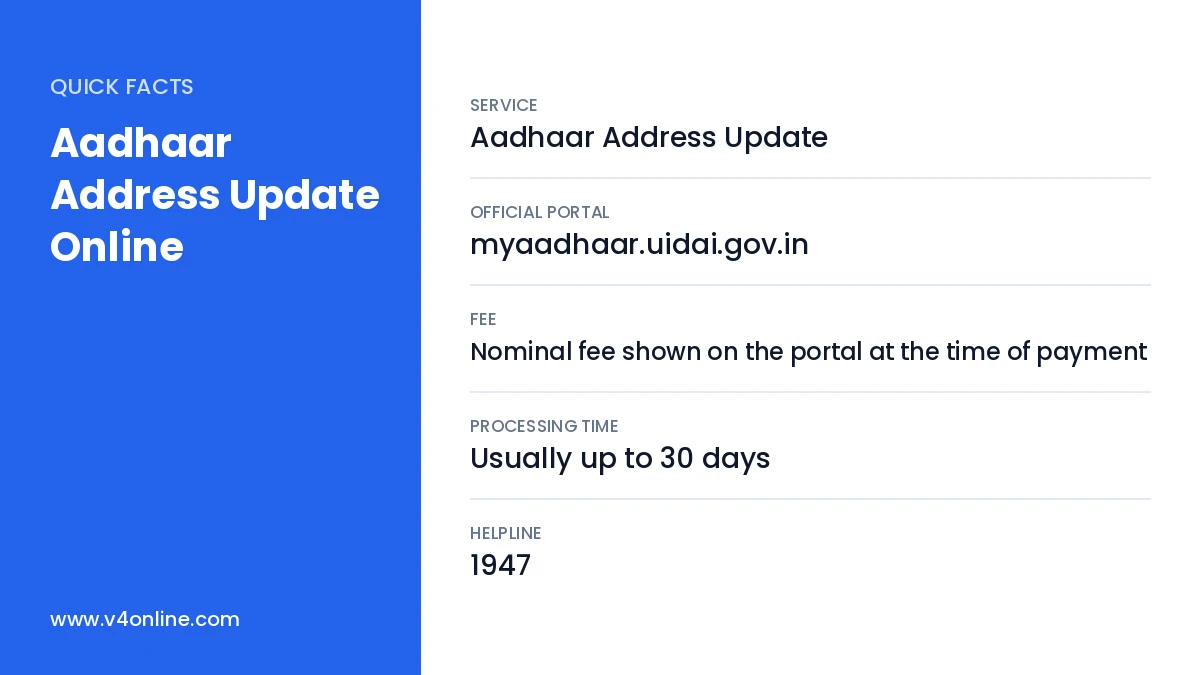
| Service | Aadhaar Address Update |
|---|---|
| Official Portal | myaadhaar.uidai.gov.in |
| Fee | Nominal fee shown on the portal at the time of payment |
| Processing Time | Usually up to 30 days |
| Helpline | 1947 |
Who Can Use Aadhaar Address Update Online?
Any Aadhaar holder whose mobile number is linked with Aadhaar can update the address online. Only the address can be changed through the self-service portal along with a few document updates. Changes to name, date of birth or gender beyond the allowed limits, and biometric updates like photo and fingerprints, require a visit to an Aadhaar enrolment centre. If your number is not linked, read our guide on Aadhaar mobile number update first.
Valid Documents for Address Proof
- Passport, voter ID card or ration card.
- Bank passbook or bank statement with photo or seal.
- Electricity, water, gas or telephone bill not older than three months.
- Registered rent agreement or property tax receipt.
- Certificate of address issued by a gazetted officer or village officer in the UIDAI format.
The name on the proof must match the name in your Aadhaar. Scan the document in colour as PDF, JPG or PNG within the size limit shown on the portal.
Aadhaar Address Update Online: Step-by-Step
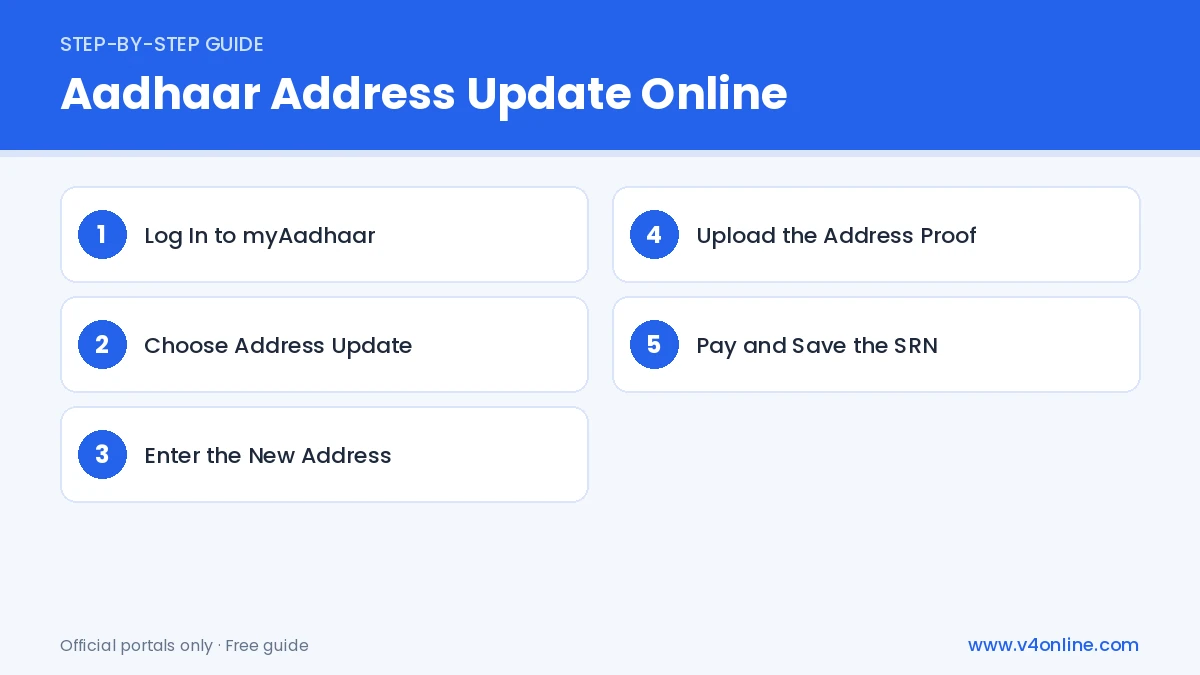
Step 1: Log In to myAadhaar
Open myaadhaar.uidai.gov.in and click “Login”. Enter your Aadhaar number and captcha, then verify with the OTP sent to your registered mobile number.
Step 2: Choose Address Update
From the services, select “Address Update” and then “Update Aadhaar Online”. Read the instructions on the screen and click “Proceed to Update Aadhaar”.
Step 3: Enter the New Address
Your current address is shown. Enter the new address carefully, including house name or number, street, landmark, post office, district, state and PIN code. The portal also asks you to type the address in Malayalam or your local language, so check the automatic translation and correct it if needed.
Step 4: Upload the Address Proof
Select the type of document from the list and upload the scanned file. Make sure the full address is clearly visible. A blurred or cropped document is the most common reason for rejection.
Step 5: Pay and Save the SRN
Preview the request, accept the declaration and pay the fee through UPI, card or net banking. A Service Request Number (SRN) is generated. Download the acknowledgement for future reference.
Update Address Using Head of Family
If you do not have an address proof in your own name, you can use the Head of Family (HoF) option. Enter the Aadhaar number of the family head, such as a parent or spouse, and upload a relationship document like a ration card, marriage certificate or passport. The HoF receives a request and must approve it within the given time. Once approved, the family head’s address is added to your Aadhaar. This option is very useful for students and newly married women.
How to Check Address Update Status
After submitting an Aadhaar Address Update Online request, go to myaadhaar.uidai.gov.in and click “Check Enrolment & Update Status”. Enter your SRN and captcha to see whether the request is in progress, completed or rejected. When the update is complete, download the new e-Aadhaar using our Aadhaar card download online guide.
Reasons for Rejection
Requests are rejected when the name on the document does not match Aadhaar, the document is unclear, the address typed does not match the proof, or an expired document is uploaded. If this happens, the fee is not refunded, so check everything carefully before paying. You can submit a fresh Aadhaar Address Update Online request with the correct document at any time.
Tips Before You Submit
Check the house name, ward number and PIN code twice before paying. Use the exact address format shown in your proof, including the post office name. If you live in a rented house, a registered rent agreement works better than an unregistered one. After a successful Aadhaar Address Update Online, remember to update your address in the bank, ration card, gas connection and voter ID as well.
Frequently Asked Questions
How long does Aadhaar Address Update Online take?
Most requests are processed within a few days, but it can take up to 30 days.
Is there a limit on address updates?
UIDAI does not fix a strict limit for address updates, but frequent changes may be checked.
Can I update the address without a mobile number?
No. You need an OTP for online updates. Otherwise, visit an Aadhaar enrolment centre.
Which documents are most accepted for address proof?
Passport, bank passbook, voter ID and recent utility bills in your own name are the most commonly accepted proofs.
Conclusion
Aadhaar Address Update Online is simple when you have a clear address proof and a linked mobile number. Enter the address exactly as in the document, save the SRN and track the status. Once approved, download the new e-Aadhaar and update other records such as bank accounts, ration card and voter ID.