by
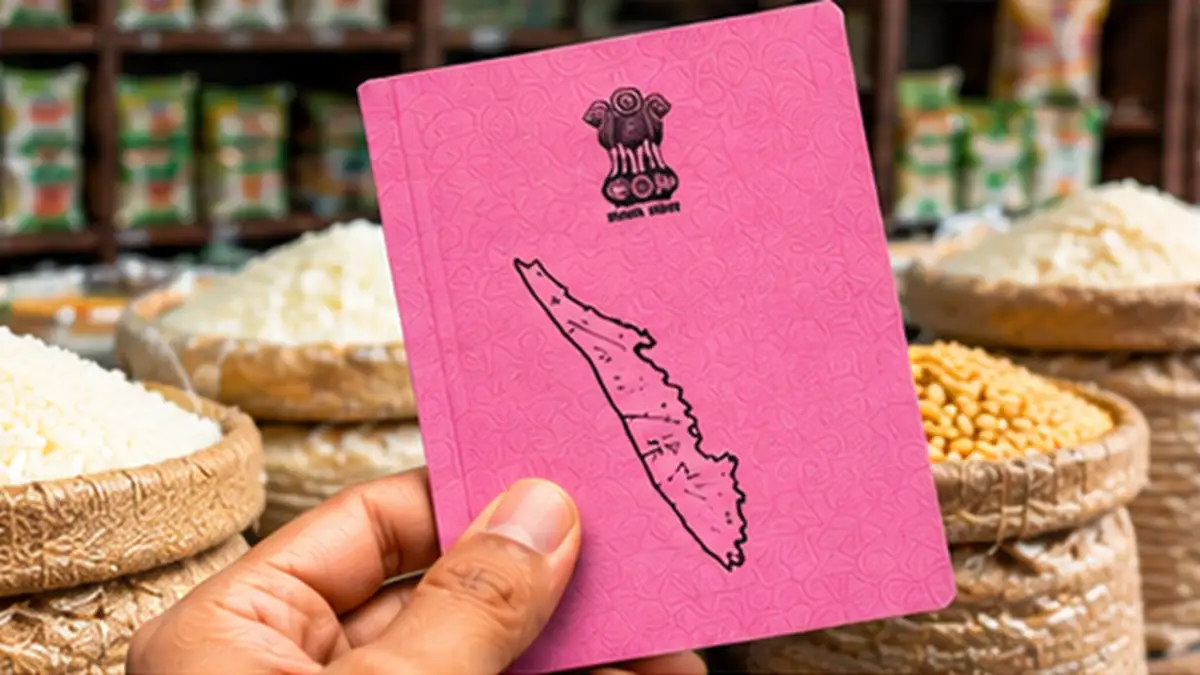
by Checking your Kerala Ration Card Status online saves you repeated visits to the Taluk Supply Office. Whether you applied for a new card, added a family member, changed the address or requested conversion to a priority category, you can track the progress of the application from your phone. The Kerala Civil Supplies Department provides an online system where every application gets a number, and its status is updated at each stage of verification.
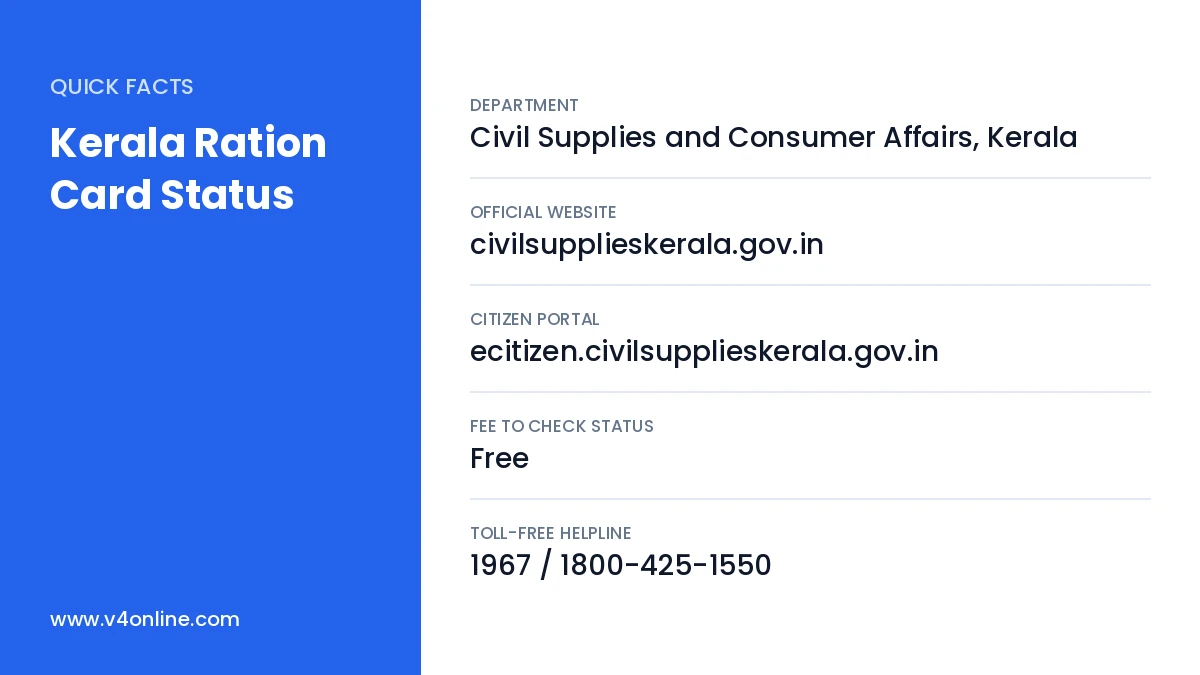
| Department | Civil Supplies and Consumer Affairs, Kerala |
|---|---|
| Official Website | civilsupplieskerala.gov.in |
| Citizen Portal | ecitizen.civilsupplieskerala.gov.in |
| Fee to Check Status | Free |
| Toll-Free Helpline | 1967 / 1800-425-1550 |
Types of Applications You Can Track
- New ration card application.
- Addition or removal of family members.
- Change of address or transfer to another taluk.
- Change of head of the family and name corrections.
- Conversion from non-priority to priority category.
- Duplicate ration card requests.
Details Needed to Check Kerala Ration Card Status
You need the application number printed on the acknowledgement slip you received after applying. If you applied through an Akshaya centre, the number is written on the receipt they gave you. For existing card holders, the 10-digit ration card number is enough to view card details. Keep the mobile number used during the application handy, because some services send an OTP for verification.
Kerala Ration Card Status: Step-by-Step Check
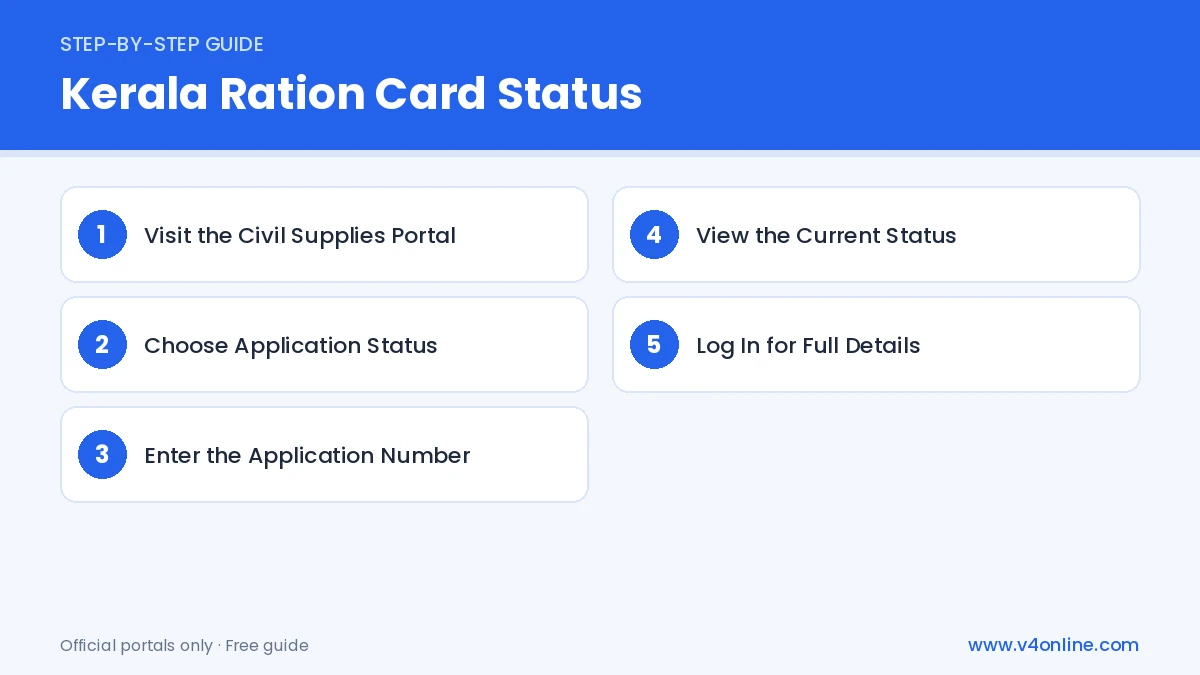
Step 1: Visit the Civil Supplies Portal
Open civilsupplieskerala.gov.in in your browser. On the home page, look for the section for citizen services or e-services. Click on the link that opens the e-Citizen portal.
Step 2: Choose Application Status
On the e-Citizen page, select the option “Application Status” or “Know Your Application Status”. A new page will open with a search box.
Step 3: Enter the Application Number
Type your application number exactly as printed on the acknowledgement, including any letters. Fill in the captcha if shown and click “Submit” or “Search”.
Step 4: View the Current Status
The page shows the latest stage, such as submitted, under verification by the Rationing Inspector, approved by the Taluk Supply Officer, or card ready for printing. If the status shows “Approved”, you can download the card or collect it from the Taluk Supply Office.
Step 5: Log In for Full Details
If you created an account on the e-Citizen portal, log in with your username and password to see all your applications, remarks by the officers, and download options in one place.
What Each Status Means
Submitted means the application has reached the Taluk Supply Office. Under verification means the Rationing Inspector is checking documents or may visit your house. Returned means some information or document is missing and you need to resubmit. Approved means the card is sanctioned. Rejected comes with a reason, so read it carefully before applying again with corrected details.
Check Existing Ration Card Details
To see the details of an existing card, use the “Ration Card Details” option on the civil supplies website and enter your card number. You can check the card category, family members, the assigned ration shop and monthly entitlement. For downloading the digital card, follow our guide on smart ration card download online in Kerala, and to see this month’s quota, read monthly ration allotment check.
Common Problems and Solutions
If the portal says “Invalid application number”, check for extra spaces or wrong letters. If the site is slow, try early in the morning when traffic is low. When the status is “Returned”, visit the Akshaya centre or log in to upload the missing document. For complaints, call the toll-free helpline or use the grievance option on the civil supplies website.
How to Update Mobile Number in Ration Card
Many status alerts are sent by SMS, so your mobile number in the ration card must be correct. Log in to the e-Citizen portal, choose the option to update the mobile number, and verify the new number with OTP. You can also update it at the ration shop through the e-PoS machine using Aadhaar authentication of the card holder. Once the number is updated, you will receive regular messages about monthly allotment and application progress, which makes checking the Kerala Ration Card Status even easier.
Documents to Keep Ready if Asked
During verification, the Rationing Inspector may ask to see original documents. Keep the Aadhaar cards of all members, the income certificate, residence proof, and the reduction certificate from any old card in one file. Having these ready helps the inspector finish the visit quickly, and your application moves to the next stage without delay.
Frequently Asked Questions
How long does it take to get a new ration card in Kerala?
It usually takes a few weeks, depending on verification by the Rationing Inspector.
Is checking Kerala Ration Card Status free?
Yes. There is no charge for checking status online.
Can I check status without the application number?
Log in to your e-Citizen account or contact the Taluk Supply Office with your ID proof.
What should I do if my application is returned?
Read the remark shown on the status page, upload the missing document or correct the details, and resubmit through the e-Citizen portal or an Akshaya centre.
Conclusion
Kerala Ration Card Status updates are available online at any time. Tracking your Kerala Ration Card Status online is quick and transparent. Keep the application number safe, check the status regularly, and respond quickly if the application is returned. If you have not applied yet, read our guide on Kerala ration card online apply to start your application today.