by
by Summary: Kerala land tax online payment allows property owners to pay their land tax through the Kerala Revenue Department portal without making an unnecessary trip to the Village Office. Learn how to pay online, what details you need, and how to download your tax receipt.
Introduction
Kerala land tax online payment is a convenient way for landowners to pay their annual land tax using the official Revenue Department website. The online service is part of Kerala’s Revenue Land Information System (ReLIS), which helps manage land records and tax payments digitally. Whether you own residential land, a plot, or other taxable property, you can use the portal to check the available payment details and complete eligible transactions. This guide explains the payment process, required information, and what to do if you face difficulties.
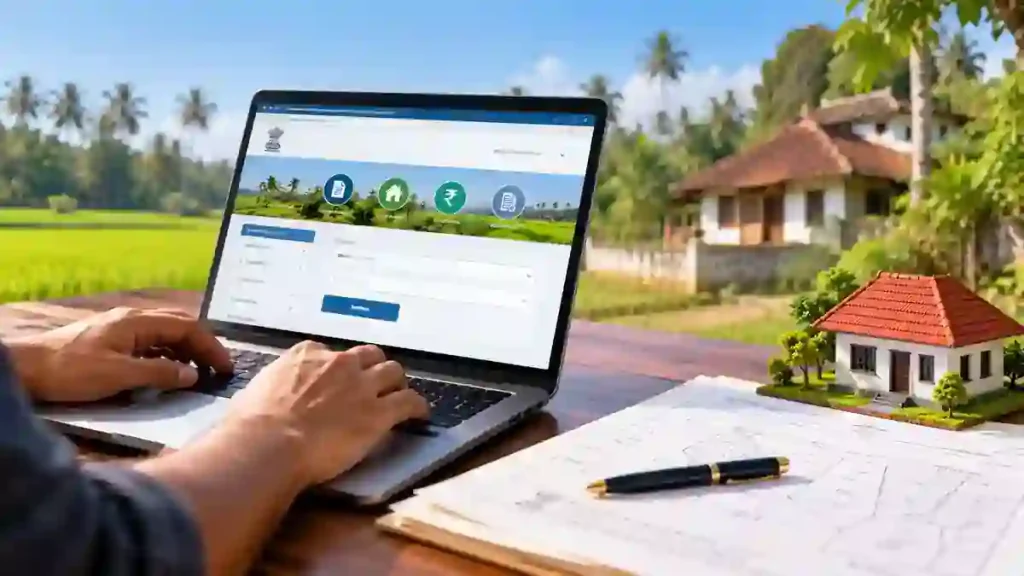
What Is Kerala Land Tax Online Payment?
Kerala land tax online is a digital service provided by the state’s Revenue Department to make land tax payments easier. Eligible property owners can access their land details, pay the applicable tax, and retain the payment receipt for future reference. The online system also maintains digital payment records, helping reduce dependence on paper documents. However, online payment availability depends on the property’s records and the services enabled for the relevant village. If your land details are missing or incorrect, you may need assistance from the concerned Village Office.
Official portal: Kerala Revenue eServices
How to Pay Kerala Land Tax Online in 7 Steps
Follow these steps to pay your land tax through the official portal.
- Visit the website: Open the Kerala Revenue eServices portal.
- Register or log in: Enter your mobile number and complete the OTP verification if requested.
- Choose the land tax service: Find the relevant land tax payment option.
- Enter land details: Select the district, taluk, and village, and provide the required Thandaper number or survey details.
- Verify the information: Check the displayed landowner details, property information, and tax amount carefully.
- Make the payment: Choose an available payment method, such as UPI, card, or net banking, if offered.
- Save the receipt: After successful payment, download or print the receipt and keep it for future use.
The exact options may vary depending on the land records and portal workflow. Always verify that the transaction is successful before leaving the website.
What Details Are Required for Online Land Tax Payment?
Before starting your Kerala land tax online payment, keep the relevant property information ready. Depending on the portal and the land records, you may need your registered mobile number, district, taluk, village, Thandaper number, and survey number. Make sure the property details match the official records to avoid delays. If your land is registered on the Ente Bhoomi portal, log in and check whether the property appears under your account. The system may require additional verification or approval if the land records have not been fully updated.
How to Download the Land Tax Receipt
After completing the payment, open the receipt option available on the portal. Download the receipt as a PDF or print a copy for your records. Keep the payment reference number and transaction details until the payment is confirmed in the system. The receipt can be useful when you need to verify your tax payment or provide supporting documents for land-related transactions. If the payment is deducted from your bank account but no receipt appears, check the transaction status before attempting to pay again.
What If Online Land Tax Payment Is Not Available?
Sometimes, the portal may not display a payment option because the property details require verification, the records are incomplete, or approval is pending. For properties covered by Ente Bhoomi, the official guidelines explain that certain first payments after digital surveying require One Time Certification through the Village Office. If you see a message stating that approval is required, contact the concerned Village Office and follow its instructions. Do not make repeated payments while an earlier transaction is pending.
Frequently Asked Questions
1. Can I pay Kerala land tax online using a mobile phone?
Yes. You can access the official Revenue eServices website through a mobile browser. The Ente Bhoomi portal also supports online land tax payments for eligible registered properties.
2. Which website is used for Kerala land tax payment?
Visit the Kerala Revenue eServices portal or the Ente Bhoomi portal, depending on the service applicable to your property.
3. Can I pay land tax using Google Pay or PhonePe?
UPI payment is available through the Ente Bhoomi payment process. The payment options shown on the portal may vary, so check the available methods before proceeding.
4. Can I download the land tax receipt after payment?
Yes. After a successful payment, use the receipt option to download or print your land tax receipt. Keep a digital copy for future reference.
5. What should I do if my land details are missing?
Contact your concerned Village Office to verify the land records and find out whether any correction, registration, or approval is required.
Conclusion
Kerala land tax online payment makes it easier for eligible landowners to pay their tax and keep digital receipts. Use the official Revenue Department or Ente Bhoomi portal, verify your property details, and save the receipt after payment. If your land information is incorrect or approval is pending, contact the relevant Village Office for assistance.
Internal Link Suggestion:K-SMART App Kerala 2026: 7 Powerful Services You Can Access Online
Official External Links:
- Kerala Revenue eServices
- Ente Bhoomi Portal
- Government of India Services Portal – Kerala Land Tax Payment