by
by Summary: The K-SMART app helps people in Kerala access local government services online, including birth certificates, property tax payments, building permits and public grievance services. Learn about its main features, registration process and official download links.
Introduction
The K-SMART app is a digital platform developed by Information Kerala Mission for the Local Self Government Department of Kerala. It allows citizens to access various local government services through a mobile phone or official website, reducing the need to visit government offices for many routine tasks. People can use the platform to apply for eligible certificates, pay property taxes, submit applications and track their progress online. This guide explains the important features of K-SMART, how to register, and how to download the official app safely.
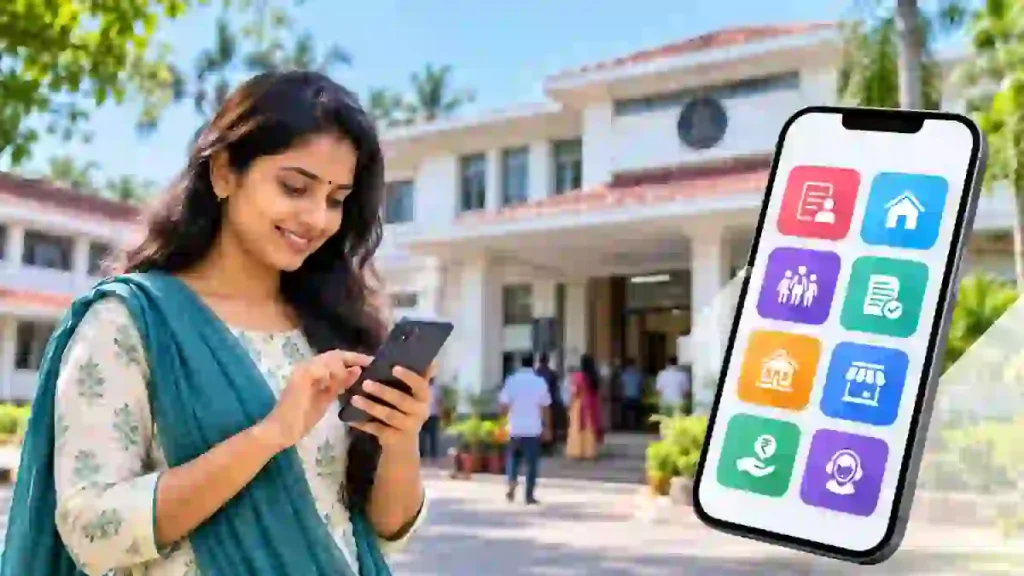
What Is the K-SMART App?
K-SMART stands for Kerala Solutions for Managing Administrative Reformation and Transformation. It brings several local government services together on one digital platform. The system is designed to improve transparency, simplify applications and make public services more accessible to residents.
The platform supports services provided by local self-government institutions, including gram panchayats, municipalities and corporations. However, the availability of individual services may depend on the local body and the service concerned.
7 Important K-SMART App Services
The K-SMART app provides access to several useful services, depending on availability and eligibility.
- Birth certificates: Access birth registration-related services and eligible certificate downloads.
- Death certificates: Use available death registration and certificate services.
- Marriage certificates: Access marriage registration-related services and certificates.
- Property tax: Check and pay property tax through the available online facilities.
- Building permits: Access relevant building permission services and application facilities.
- Trade licences: Apply for eligible licences related to businesses and commercial activities.
- Public complaints: Submit grievances concerning local government services through the available complaint system.
These services can help citizens complete routine tasks more conveniently. Before submitting an application or making a payment, check the requirements, applicable fees and instructions shown on the official portal.
തദ്ദേശ സ്വയംഭരണ വകുപ്പ്+1
How to Register on the K-SMART App
Follow these steps to get started with K-SMART:
- Download the app: Use the official Google Play Store or Apple App Store link provided below.
- Open the app: Select the citizen registration or login option.
- Register your account: Enter the requested mobile number and identity details.
- Verify your details: Complete OTP verification and any identity verification requested by the platform.
- Log in: Access your citizen account after registration.
- Choose a service: Select the required certificate, tax, licence or other available service.
- Submit and track: Provide the necessary information, pay any applicable fee and save your application reference number.
The exact screens and verification requirements may vary. Always follow the instructions displayed in the official app or website, and never share an OTP with another person.
Thalappalam Grama Panchayat+1
How to Access K-SMART Online Without the App
You do not necessarily need to install the mobile app to use K-SMART. Open the official K-SMART website in your browser and look for the citizen login or registration option. After signing in, choose the service you need and follow the online application instructions. You can also check application status and access available certificate or payment services through the portal.
Is the K-SMART App Free?
The official K-SMART app is available to download free of charge. However, some government services may require application fees, taxes or other payments. The amount depends on the service selected. Check the official portal for the latest fee details before completing a transaction.
Apps on Google Play+1
Frequently Asked Questions
1. Who can use the K-SMART app?
Citizens who need services from Kerala’s local self-government institutions can use the platform, subject to the eligibility and requirements of each service.
2. Can I download a birth certificate using K-SMART?
The platform provides birth registration and certificate-related services. Certificate availability depends on the relevant records and the options provided by the portal.
3. Can I pay property tax through K-SMART?
Yes. Property tax services are among the platform’s listed features. Select the relevant property tax option and follow the payment instructions.
4. Is K-SMART available for iPhone?
Yes. An official iPhone version is listed on the Apple App Store, alongside the Android version on Google Play.
Apps on Google Play+1
APP DOWNLOAD BUTTONS
Android: Download K-SMART on Google Play
iOS: Download K-SMART on Apple App Store
Conclusion
The K-SMART app makes many Kerala local government services accessible online through a single platform. From certificate-related services to property tax and building permits, it can save time and reduce unnecessary office visits. Download the official app or visit the website to check which services are available for your needs.
Internal Link Suggestion: Solar Panel Subsidy India: 7 Amazing Benefits for Homeowners
Official External Links:
- Official K-SMART portal: https://ksmart.lsgkerala.gov.in/ui/web-portal
- Kerala Local Self Government Department: https://lsgd.kerala.gov.in/en/services/digital-services-description-add-information-kerala-mission/k-smart/