Tired of failed payments for a ₹20 tea or a ₹50 auto fare? UPI Lite is a small on-device wallet inside your UPI app that lets you make quick, PIN-free payments for small amounts. In this 2026 guide we explain what UPI Lite is, current limits, how to activate it in Google Pay, PhonePe, Paytm and BHIM, how auto top-up works, and the pros and cons you should know before using it.
If you make many small digital payments every day, UPI Lite can make them faster and keep your bank passbook free of dozens of tiny entries.
UPI Lite 2026: Key Limits at a Glance
| Feature | Limit / Detail |
|---|---|
| Maximum per payment | ₹1,000 |
| Maximum wallet balance | ₹5,000 at any time |
| Daily spending | Up to ₹10,000 in a day (as reported) |
| UPI PIN | Not needed for payments within the limit |
| Top-up | From your linked bank account; auto top-up available |
| Introduced by | National Payments Corporation of India (NPCI) |
Limits are set by NPCI and the RBI and can change. Always check the UPI Lite section of your app for the current figures.
What Is UPI Lite?
UPI Lite is a feature of the Unified Payments Interface designed for small-value payments. Instead of debiting your bank account for every transaction, you load money into a UPI Lite balance in your app. Payments are then made from this balance without entering your UPI PIN. Because these payments do not need the bank’s core system in real time, they are faster and less likely to fail during peak hours.
NPCI launched UPI Lite in 2022 to reduce the load on banks from millions of tiny payments and to make small transactions smoother for users. Since then the limits have been increased, and features like auto top-up have been added.
How UPI Lite Works
- You enable UPI Lite in your UPI app and link it to a bank account.
- You add money (top-up) from that bank account, using your UPI PIN once.
- When paying a merchant or person, you choose UPI Lite as the payment source.
- The amount is deducted from your UPI Lite balance instantly, without a PIN.
- Your bank statement shows only the top-up, not each small payment. The app keeps a full history.
Benefits of UPI Lite
- Faster payments: No PIN entry for small amounts.
- Fewer failures: Payments don’t depend on bank server availability every time.
- Clean bank statement: No long list of ₹10 and ₹20 debits.
- Controlled spending: The wallet limit acts as a natural daily budget.
- Safer for daily use: Only a small amount is exposed in the wallet.
How to Activate UPI Lite
The exact menu names differ slightly between apps, but the process is similar. Your bank must support UPI Lite; most large banks do.
UPI Lite in Google Pay
- Open Google Pay and tap your profile picture.
- Select “UPI Lite” and tap “Activate” or “Get started”.
- Choose the bank account to link.
- Enter the amount to add (up to the wallet limit).
- Confirm with your UPI PIN. UPI Lite is now active.
UPI Lite in PhonePe
- Open PhonePe and look for the UPI Lite option on the home screen or in your profile.
- Tap “Activate” and choose the supported bank account.
- Add money and confirm with your UPI PIN.
UPI Lite in Paytm
- Open Paytm and search for “UPI Lite” or find it under the UPI settings.
- Select a linked bank account and activate.
- Add balance and authorise with your UPI PIN.
UPI Lite in BHIM
The BHIM app by NPCI also supports UPI Lite. Open the app, find UPI Lite on the home screen, select your bank, add money and confirm.
How to Pay Using the Lite Balance
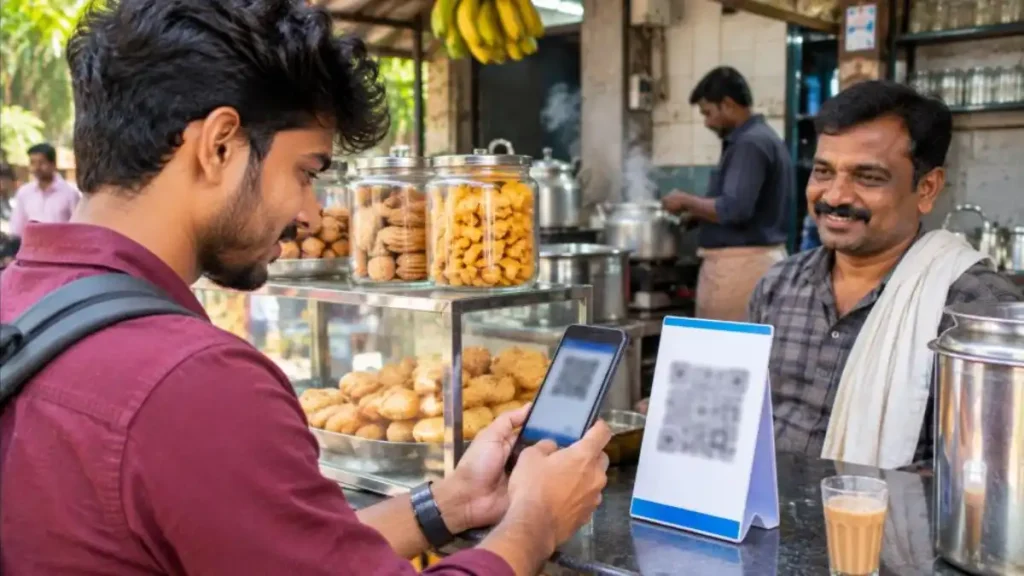
- Scan the merchant’s QR code or choose a contact in your app.
- Enter an amount within the per-payment limit.
- Select the Lite balance as the payment source if it is not chosen automatically.
- Tap Pay. The payment completes instantly without a PIN.
If the amount is above the per-payment limit or your Lite balance is too low, the app will ask you to pay from your bank account using the regular UPI PIN.
Auto Top-Up: Never Run Out of Balance
NPCI introduced an auto top-up facility so that your wallet refills automatically when the balance falls below a level you choose. For example, you can set the app to add ₹1,000 whenever the balance drops below ₹200. You authorise this mandate once with your UPI PIN, and the app handles refills within the allowed limits. You can change or cancel the auto top-up anytime from the settings.
How to Withdraw or Disable
If you no longer want to use the feature, you can disable it from the app settings. When you disable it, the remaining balance is transferred back to your linked bank account. NPCI has also allowed users to move money from the Lite balance back to the bank without disabling it, in apps that support this option. Look for “Transfer to bank” or a similar option in the Lite section.
UPI Lite vs Regular UPI
| Point | Lite balance | Regular UPI |
|---|---|---|
| PIN needed | No (within limit) | Yes, for every payment |
| Payment limit | ₹1,000 per payment | Generally up to ₹1 lakh (higher for some categories) |
| Source of money | Pre-loaded wallet on device | Directly from bank account |
| Bank statement entries | Only top-ups | Every transaction |
| Speed during peak hours | Very fast, fewer failures | Depends on bank servers |
| Best for | Tea, snacks, bus and auto fares | Rent, bills, larger purchases |
Is It Safe?
Because no PIN is needed, anyone who unlocks your phone could spend the Lite balance. That is why the wallet is capped at a small amount. To stay safe:
- Use a strong screen lock and app lock (fingerprint or face unlock).
- Keep the wallet balance low if you often lend your phone to others.
- Disable the feature if your phone is lost, or block the phone and UPI through your bank.
- Never share screen-sharing access or OTPs with unknown callers.
If you lose your phone, contact your bank to block UPI and use the government’s Sanchar Saathi service to block the handset. Our guide on what to do when your phone is lost or stolen explains each step.
Where Can You Use It?
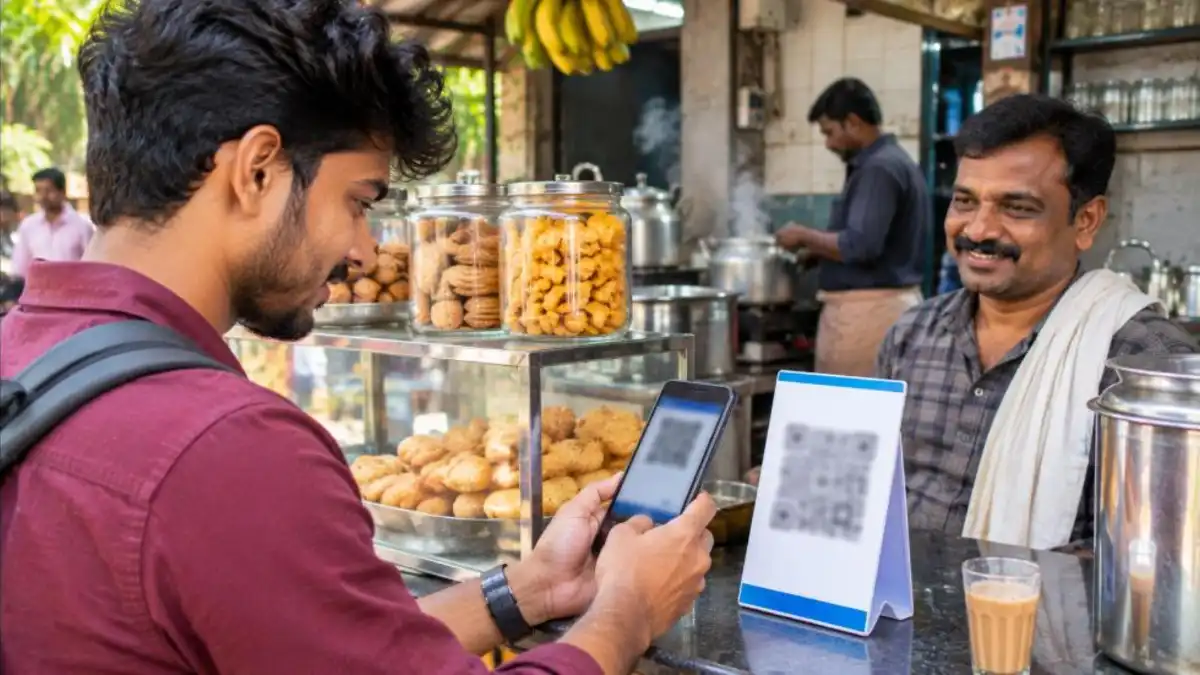
- Small shops, tea stalls and bakeries that accept UPI QR codes
- Auto and taxi fares
- Parking fees and small tolls collected through QR
- Canteens and college cafeterias
- Paying friends small amounts, where the app supports it
Any merchant who accepts UPI can receive these payments; the merchant does not need any special setup.
Common Problems and Fixes
| Problem | Fix |
|---|---|
| Option not showing in the app | Update the app; check whether your bank supports the feature |
| Top-up failed | Check bank balance and daily UPI limits; retry after some time |
| Balance not visible after phone change | The balance is linked to the device; disable on the old phone or contact app support to move funds back to the bank |
| Payment went from bank instead of Lite | Amount may be above the limit, or balance too low |
| Want transaction history | Check the Lite section of your app; bank statements show only top-ups |

What About UPI Lite X?
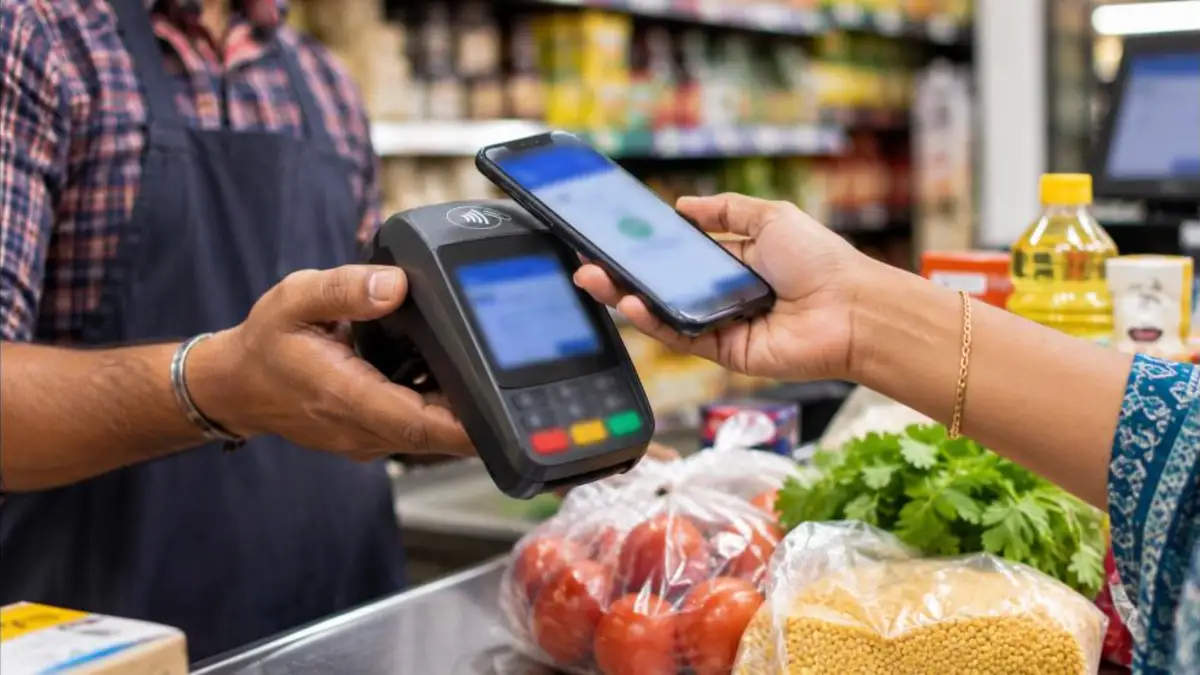
NPCI also introduced a variant called Lite X, designed for offline payments using NFC (tap-to-pay) technology. The idea is to let users pay even in places with poor or no internet, such as underground metro stations or remote areas, by tapping phones. Support depends on your phone having NFC and on your app and bank enabling the feature. Availability is still limited compared with the regular Lite balance, so check your app’s settings to see whether it is offered to you.
Who Should Use This Feature?
- Students: Ideal for canteen, stationery and bus payments with a fixed small budget.
- Office commuters: Fast payments for metro, auto fares and coffee without PIN delays.
- Senior citizens: Fewer steps for small purchases, while larger savings stay safe in the bank.
- Families: Parents can keep a small wallet balance on a child’s phone for daily needs.
- Frequent small spenders: Anyone tired of a long list of tiny debits in the bank statement.
Smart Tips for Daily Use
- Set an auto top-up amount that matches your weekly spending pattern.
- Check the wallet history once a week to track where your small payments go.
- Keep a little balance even at month-end so that urgent small payments never fail.
- Use the regular UPI option for anything above the per-payment limit.
- Update your app regularly to get the latest features and security fixes.
Privacy and Records
Since individual small payments are not listed in your bank statement, keep in mind that the in-app history is your main record. If you need proof of a payment, for example for an office reimbursement, take a screenshot of the payment confirmation or download the history from the app. Some apps let you export statements for a date range. For tax or accounting purposes, larger and business-related payments should preferably be made through regular UPI so that they appear in your bank records.
For Shop Owners and Merchants
Merchants do not need to do anything special to accept these payments. Any standard UPI QR code works. The advantage for shopkeepers is fewer failed transactions during rush hours, which means less arguing over “payment pending” screens and faster queues. The money reaches the merchant’s account in the same way as a normal UPI payment.
How Limits Have Changed Over Time
When the feature launched in 2022, the per-payment cap was ₹200 and the wallet could hold ₹2,000. These were later raised to ₹500 and then, following an RBI decision in late 2024, to the current ₹1,000 per payment and ₹5,000 wallet balance. Limits may be revised again as digital payments grow, so treat the figures in this article as a guide and confirm in your app.
For more on UPI safety, read our articles on UPI PIN reset online and UPI fraud complaint.
A Day With the Lite Wallet: Example
Arun, a software engineer in Thiruvananthapuram, loads ₹2,000 into his wallet every Monday using auto top-up. Here is how a typical day goes:
- 8:30 am – Pays ₹40 for an auto ride to the bus stop. Payment done in two seconds, no PIN.
- 11:00 am – Pays ₹25 for tea and snacks at the office canteen.
- 1:30 pm – Pays ₹120 for lunch at a small hotel during the rush, without a failed transaction.
- 6:00 pm – Pays ₹60 for vegetables on the way home.
- 8:00 pm – Pays his electricity bill of ₹1,450 using regular UPI with his PIN, since it is above the per-payment limit.
At the end of the month his bank statement shows only four top-up entries instead of dozens of small debits, and his app history gives a clear list of where the money went.
Comparison With Prepaid Wallets
Prepaid wallets such as those offered by payment companies also store money for quick spending, but they work differently. Wallets are issued by the payment company under prepaid instrument rules and often need separate KYC. The Lite balance, on the other hand, is part of the UPI system and linked directly to your bank account. It does not need a separate KYC, and money moves back to your bank when you disable it. For most users who already use UPI, the built-in Lite option is simpler than maintaining a separate wallet.
Changing or Resetting Your Phone
The Lite balance is stored against your device and app installation. If you plan to change phones, reset your phone or uninstall the app, first disable the feature or transfer the balance back to your bank. If you forget and the phone is already reset, contact your UPI app’s customer support with details of your bank account and the last top-up. The balance is not lost, but recovering it may take some time.
Tips for Elderly Users and First-Timers
Many older users worry about digital payments. The Lite wallet can actually make things easier and safer for them. Because only a small amount sits in the wallet, the risk from a mistaken payment is limited. Family members can help set it up, choose a modest balance such as ₹500 or ₹1,000, and show how to scan a QR code and confirm the amount on the screen before paying. Encourage them to check the merchant’s name that appears after scanning, and to never accept “collect requests” from strangers. Remind them that receiving money never requires entering a PIN, so any caller asking for a PIN to “send money” is a fraudster.
Managing Your Monthly Budget
The wallet can double as a simple budgeting tool. Decide how much you want to spend on small daily items each month, for example ₹3,000, and load only that amount through manual top-ups instead of auto top-up. When the balance runs out, you will know you have reached your limit for snacks, tea and small purchases. Reviewing the in-app history at the end of the month also shows patterns, such as how much goes on food deliveries or rides, helping you cut unnecessary expenses.
One more practical point: the feature works best when your phone’s UPI app is kept logged in and updated. If the app logs you out frequently, check whether battery-saving or app-cleaner settings are closing it in the background, and add the payment app to the list of protected apps. A stable app means your small payments go through quickly every time. Also keep your bank’s SMS alerts active so that you are informed whenever a top-up happens, whether manual or automatic. This way you always know how much money has moved from your bank to the wallet and can spot anything unusual immediately.
For official product details and the latest limits, visit the NPCI website, which manages UPI in India.
Frequently Asked Questions
What is the maximum amount I can pay with UPI Lite?
Up to ₹1,000 per payment, with a wallet balance of up to ₹5,000 at any time.
Do I need a UPI PIN?
No PIN is needed for payments within the limit. You need your PIN only to add money to the wallet or set up auto top-up.
Which apps support it?
Major UPI apps including Google Pay, PhonePe, Paytm and BHIM support the feature, subject to your bank.
Will small payments appear in my bank statement?
No. Only the top-up amounts appear. The detailed history is in your app.
Can I get my balance back to the bank?
Yes. Disabling the feature returns the balance, and some apps also allow transfer back to the bank without disabling.
Does it earn interest?
No. The money in the wallet does not earn interest, so keep only what you need for small payments.
Conclusion
UPI Lite is one of the simplest upgrades you can make to your daily payment habits. It removes the PIN step for small payments, reduces failures during busy hours and keeps your bank statement clean. Activate it in your favourite UPI app, set a sensible auto top-up, protect your phone with a strong lock, and use regular UPI for larger amounts. With these simple steps, every tea, snack and auto fare becomes a two-second payment.
Note: Limits and features are decided by NPCI, RBI and your bank, and may change. Check your UPI app for the latest details.