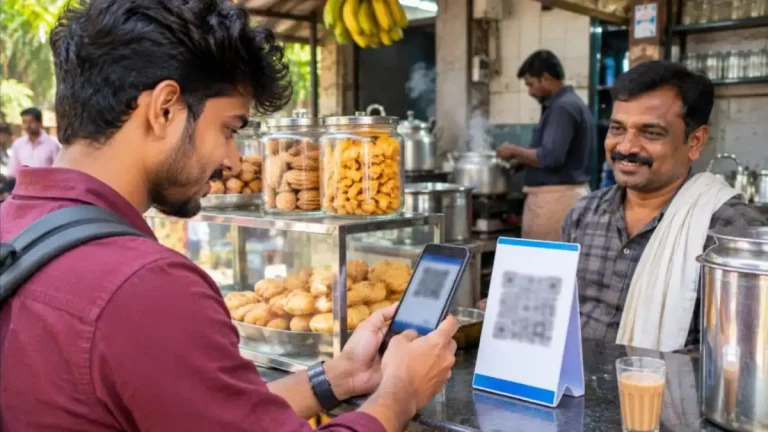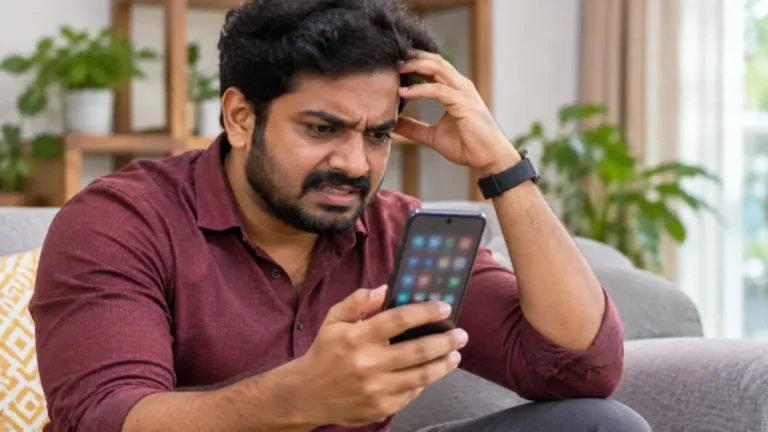
The Sanchar Saathi app is the Department of Telecommunications’ (DoT) citizen app that helps you protect your mobile number and phone from fraud. With it you can block a lost or stolen phone, check how many SIM cards are registered in your name, report suspected fraud calls and messages, and verify whether a handset is genuine. This 2026 guide explains every feature of the Sanchar Saathi app, how to register, and step-by-step instructions for the most useful services.
With scam calls, fake KYC messages and SIM misuse rising across India, the Sanchar Saathi app is one of the most important free tools every mobile user should know about.

Sanchar Saathi App: Quick Overview
| Item | Details |
|---|---|
| Developed by | Department of Telecommunications, Government of India |
| Portal launched | May 2023 (sancharsaathi.gov.in) |
| Mobile app launched | January 2025 |
| Available on | Android and iOS |
| Cost | Free |
| Login | Mobile number with OTP |
Main Features of the Sanchar Saathi App
- Chakshu – Report suspected fraud communication: Report calls, SMS or WhatsApp messages that look like scams.
- Block your lost or stolen mobile handset: Block the phone’s IMEI so it cannot be used on any Indian network (CEIR).
- Know mobile connections in your name: See all mobile numbers registered with your ID and report the ones you did not take.
- Know genuineness of your handset: Check whether a phone’s IMEI is valid before buying, especially second-hand phones.
- Report incoming international calls with Indian number: Report calls that show an Indian number but come from abroad, a common scam trick.
- Know your wireline internet service provider: Find authorised ISPs in your area.
How to Install and Register
- Download the Sanchar Saathi app from the Google Play Store or Apple App Store. Check that the publisher is the Department of Telecommunications.
- Open the app and allow the requested permissions only if you are comfortable; some features need them to read call logs or SMS for reporting.
- Enter your mobile number and verify with OTP.
- Your account is ready. The home screen shows all the services.
You can also use most services without the app on the official website sancharsaathi.gov.in.
How to Check Mobile Connections in Your Name
Fraudsters sometimes use stolen ID documents to take SIM cards in other people’s names. This feature in the Sanchar Saathi app helps you find such numbers.
- Open the app and tap “Know Mobile Connections in Your Name”.
- Enter your mobile number and verify with OTP.
- The app lists all numbers linked to your identity across operators.
- For any number you do not recognise, select “Not My Number” and submit.
- For numbers you no longer use, select “Not Required”.
- Note the ticket ID to track the request.
The telecom operator verifies the request and disconnects the reported numbers. Remember that one person can hold only a limited number of SIM cards in India as per DoT rules, so cleaning up unused connections is a good habit.

How to Report Fraud Calls and Messages With Chakshu
Chakshu is the reporting feature for suspicious calls, SMS and WhatsApp messages. Common examples include fake KYC update messages, “your electricity will be cut tonight” threats, fake courier or customs calls, lottery and job offers, and callers pretending to be police or officials.
- Open the Sanchar Saathi app and select “Chakshu – Report Suspected Fraud Communication”.
- Choose the medium: call, SMS or WhatsApp.
- Select the category of fraud, such as KYC, impersonation, fake investment or sextortion.
- Enter the number or sender ID, date and time, and upload a screenshot if available.
- Verify with OTP and submit.
Chakshu is meant for suspected fraud where you have not lost money. If you have already lost money in a cyber fraud, immediately call the national cyber crime helpline 1930 or report on cybercrime.gov.in. Speed is important because it helps banks freeze the money.
How to Block a Lost or Stolen Phone
If your phone is lost or stolen, blocking its IMEI prevents anyone from using it on any network in India, and helps police trace it if someone inserts a SIM.
- First, file a complaint with the police (online or at the station) and keep the complaint number.
- Get a duplicate SIM for your lost number from your operator, so that you can receive OTPs.
- Open the Sanchar Saathi app or website and choose “Block Your Lost/Stolen Mobile Handset”.
- Enter the mobile numbers used in the phone, IMEI numbers (from the bill or box), brand, model and purchase invoice.
- Enter details of where and when the phone was lost and the police complaint number.
- Provide owner details and an ID proof, verify with OTP and submit.
- Save the request ID for tracking and unblocking.
When the phone is recovered, use the “Unblock Found Mobile” option with your request ID. Read our detailed guide on what to do when your phone is lost or stolen for other important steps like blocking UPI and changing passwords.
How to Check If a Phone Is Genuine
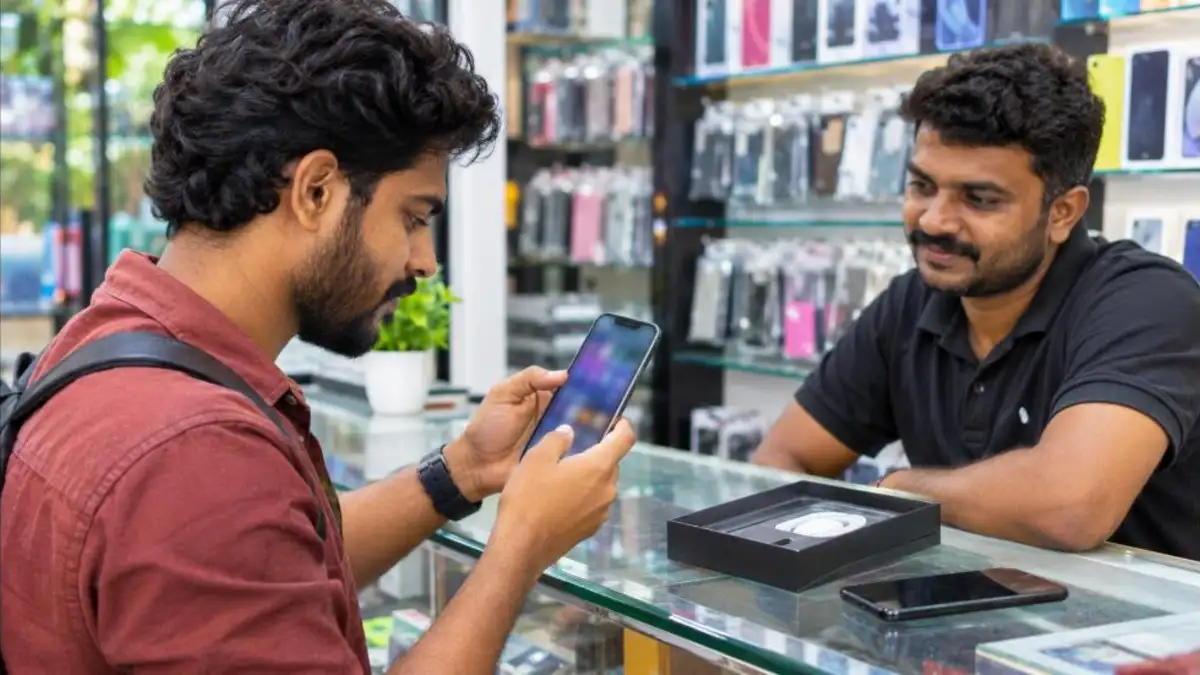
Before buying a used phone, check its IMEI in the Sanchar Saathi app. Dial *#06# on the phone to see the IMEI, then use “Know Genuineness of Your Mobile Handset” in the app. The result shows whether the IMEI is valid, blacklisted (reported stolen), duplicate or already in use. Never buy a phone whose IMEI shows as blacklisted or invalid, and always get a proper bill from the seller.
Reporting International Calls Showing Indian Numbers
Scammers often route calls from abroad so that they appear as Indian +91 numbers. If you receive a call from an Indian number but suspect it is international, for example because of a strange delay or the caller claims to be calling from overseas, report it through the app. This helps DoT and operators block illegal telecom setups that are used for fraud.
What Happens After You Report?
Reports submitted through the Sanchar Saathi app go to DoT and the telecom operators. Numbers reported repeatedly are re-verified, and if they fail verification they are disconnected. Handsets linked to fraud can also be blocked across networks. DoT has said that action based on citizen reports has led to the disconnection of a very large number of fraudulent mobile connections and the blocking of linked handsets since the platform was launched. You may not get an individual update for every Chakshu report, but each report adds to the evidence against scam networks.
Real-Life Example: Recovering a Stolen Phone
Ravi, a college student in Kozhikode, lost his phone on a crowded bus. Here is what he did:
- He called his mobile operator and blocked his SIM, then got a duplicate SIM the same day.
- He filed an online police complaint and noted the complaint number.
- He blocked the phone through the Sanchar Saathi app using the IMEI numbers from the phone’s box.
- He called his bank to block UPI and changed his email and social media passwords.
- A few weeks later, police traced the phone after someone inserted a new SIM, and Ravi got it back.
- He then used the unblock option with his request ID so the phone worked again.
Not every phone is recovered, but blocking ensures that a stolen phone cannot be easily used or sold, which discourages theft.
Using the Sanchar Saathi App for Elderly Family Members
Senior citizens are frequent targets of fraud calls. Help your parents or grandparents install the Sanchar Saathi app, check the connections in their name, and show them how to report a suspicious call. Teach them three simple rules: never share OTPs, never install apps at a caller’s request, and always call a family member before making any urgent payment. These small steps can prevent big losses.
Know Your Wireline Internet Provider
Another small but useful feature lets you find authorised wireline internet service providers by entering your PIN code or address details. This helps you choose a legitimate broadband provider and avoid unauthorised operators. If you are moving to a new place, use this feature to compare available options before signing up.

Documents Needed to Block a Lost Phone
- Copy of the police complaint (FIR or online complaint acknowledgement)
- Purchase invoice of the phone (optional in some cases, but helpful)
- IMEI numbers of the phone (both IMEIs for dual-SIM phones)
- Your ID proof such as Aadhaar, PAN, driving licence or passport
- A working mobile number to receive OTP (often the duplicate SIM of the lost number)
Tip: Write down your phone’s IMEI numbers today and save them in your email or a notebook. Many people lose the box and bill, which makes blocking harder later.
Understanding IMEI Check Results
| Result | Meaning | Advice |
|---|---|---|
| Valid | IMEI is genuine and not reported | Safe to proceed, but still get a bill |
| Blacklisted | Reported lost or stolen | Do not buy |
| Duplicate | Same IMEI found on multiple devices | Avoid; likely tampered |
| Already in use | IMEI active with another subscriber | Ask the seller to explain; be careful |
| Invalid | IMEI not in the official database | Do not buy; may be a fake or illegal import |
For Small Businesses and Shop Owners
Mobile shop owners who buy and sell used phones can use the IMEI check to avoid dealing in stolen handsets, which protects them from legal trouble. Businesses that give phones and SIMs to employees can also use the Sanchar Saathi app to verify connections and quickly block devices if they are lost. Keeping a register of company phone IMEIs makes this process easy.
Why Every Mobile User Should Install the Sanchar Saathi App
Most people only think about telecom safety after something goes wrong. The Sanchar Saathi app helps you act before that. In a few minutes you can see whether someone has taken a SIM in your name, which could otherwise be used for fraud that is traced back to you. You can also help authorities by reporting scam numbers, which leads to those numbers and connected handsets being blocked.
- It is free and run by the Government of India.
- It brings several citizen services into one place.
- It works with all telecom operators in India.
- It supports both prevention (checking SIMs, IMEI) and action (blocking phones, reporting fraud).
Common Scams the Sanchar Saathi App Helps Fight
| Scam type | How it works | What to do |
|---|---|---|
| Fake KYC update | SMS asks you to update KYC via a link | Do not click; report on Chakshu |
| Digital arrest | Caller poses as police or customs and demands money | Hang up; no agency does “digital arrest”; report and call 1930 if money lost |
| Electricity disconnection threat | Message says power will be cut unless you call a number | Verify with your electricity board; report the sender |
| Fake job or task offers | Easy money for likes or reviews, then investment demands | Ignore; report the number |
| SIM swap | Fraudster gets a duplicate SIM to receive your OTPs | If your SIM suddenly stops working, contact your operator immediately |
Sanchar Saathi App vs Website
Both the website and the Sanchar Saathi app offer the main services. The app is more convenient for reporting fraud calls and messages because it can pick up details from your call log or SMS with your permission, and you can check your connections anytime. The website is useful on a computer, for example when you need to upload documents for blocking a stolen phone. Use whichever is easier; your requests are processed in the same system.
Privacy and Permissions
When you install the Sanchar Saathi app, it may request permissions such as access to call logs, SMS and phone state. These help it fill in details when you report suspicious communication or check the phone’s IMEI. Review each permission and grant only what you need for the features you use. Download the app only from official app stores, and check that the developer is the Department of Telecommunications, to avoid fake copies.
Tips to Stay Safe From Mobile Fraud
- Never share OTPs, UPI PINs or passwords with anyone, including callers claiming to be bank staff.
- Do not install screen-sharing apps at the request of unknown callers.
- Check the connections in your name using the Sanchar Saathi app every few months.
- Keep your phone’s IMEI number, bill and box safely, so you can block it quickly if lost.
- Enable a strong screen lock and app locks for banking apps.
- Verify any urgent request for money from “relatives” by calling them on a known number.
- Report every scam call or SMS on Chakshu, even if you did not fall for it.
For call spam, you can also activate DND through your operator. Our guide on how to block spam calls explains the steps.
What to Do in the First Hour After Losing Your Phone
The first hour matters most. Call your operator from another phone and block the SIM so that nobody can receive your OTPs. Next, call your bank’s customer care to block UPI and net banking on that device. If you use Google or Apple accounts, use “Find My Device” or “Find My” from another device to lock or erase the phone remotely.
Change the passwords of your email, social media and banking apps. Then file a police complaint and use the blocking service on the Sanchar Saathi app or website. Finally, inform close contacts that your number may be misused for a while, so they ignore any strange requests for money. Following this order reduces the chance of financial loss and makes recovery easier.
Many people delay these steps hoping the phone will turn up. Even if you think you only misplaced it, blocking the SIM and UPI temporarily is harmless and can be reversed once you find the phone.
It is also worth checking the app after major life events, such as changing jobs, moving to a new city or losing an ID document. Lost Aadhaar, PAN or driving licence copies can be misused to obtain SIM cards, so a quick check of connections in your name gives peace of mind. If you find an unknown number, report it immediately and keep the ticket ID safely. Encourage friends and colleagues to do the same, because the more people use these tools, the harder it becomes for fraudsters to operate with fake connections and stolen handsets in the country.
Frequently Asked Questions
Is the Sanchar Saathi app free?
Yes, it is a free government app from the Department of Telecommunications.
How many SIM cards can I have in my name?
DoT rules limit the number of connections per person (generally nine across India, with lower limits in some regions). The app shows all numbers in your name.
Can the app track my lost phone’s location?
It does not show live location to you. Blocking through CEIR makes the phone unusable and helps police trace it when a SIM is inserted.
Where do I report if I have already lost money?
Call 1930 immediately or file a complaint on cybercrime.gov.in. Chakshu is for reporting suspected fraud where no money was lost.
How do I unblock a recovered phone?
Use the “Unblock Found Mobile” option with your blocking request ID on the app or website.
Conclusion
The Sanchar Saathi app is a simple but powerful shield against mobile fraud. Use it to check SIM cards in your name, block a lost phone, verify handsets before buying and report scam calls and messages. Install the Sanchar Saathi app from an official store, explore its features today, and share it with your family, especially elderly members who are often targeted by scammers.
Note: Features and procedures may change. Visit sancharsaathi.gov.in for the latest information.