
Summary: A Battery Charge Alert App helps you monitor your phone’s charging status, receive full battery notifications and avoid unnecessary charging. Discover seven useful features, how these apps work and how to use them on Android devices.
Introduction
A Battery Charge Alert App is a useful mobile tool for people who want better control over their smartphone charging habits. Instead of repeatedly checking the screen to see whether the battery is fully charged, you can receive automatic alerts when it reaches your selected percentage. Some apps also provide low battery reminders, temperature notifications and charging information. In this guide, we explain seven useful features, how to set up charging alerts and what to check before installing an app.
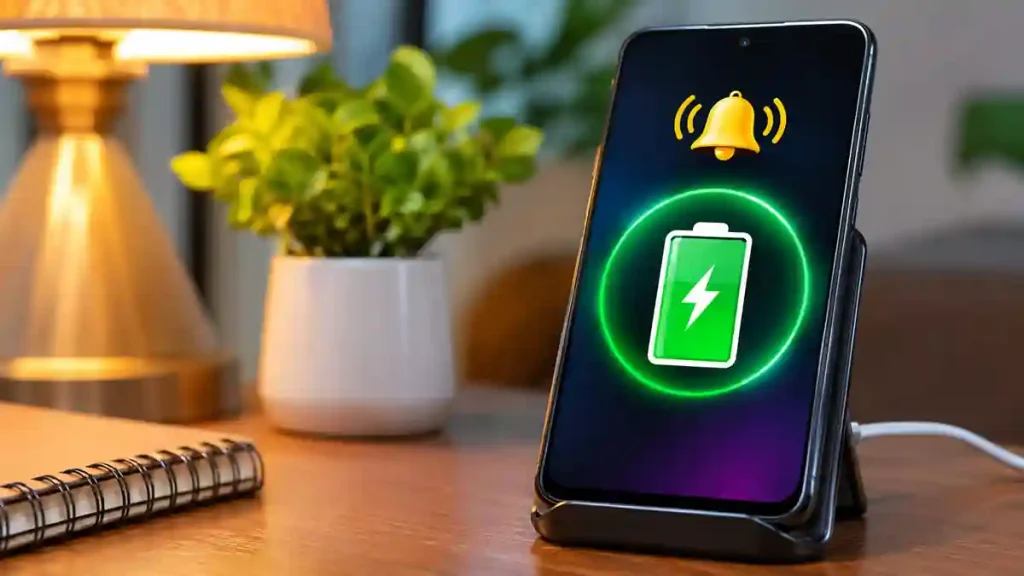
7 Amazing Features of a Battery Charge Alert App
1. Full Battery Charging Alarm
One of the most useful features is the full battery alarm. You can receive an audible notification when your phone reaches 100% charge. This helps you know when to disconnect the charger without continuously checking your device.
2. Custom Battery Percentage Alerts
Some apps allow you to select a preferred charging level, such as 80%, 85%, 90% or 95%. You can receive an alert when your battery reaches that percentage, making it easier to follow your preferred charging routine.
3. Low Battery Notifications
Running out of battery during important activities can be frustrating. A low battery notification reminds you when your battery drops below a selected level. This is especially helpful when travelling, attending meetings or using navigation.
4. Battery Temperature Monitoring
Certain battery monitoring apps display temperature information while charging. This helps you notice unusually high temperatures. If your phone becomes excessively hot, disconnect it when safe and check the charger, cable and device.
5. Charging Status Information
Some applications provide additional details, including battery percentage, charging status, voltage and charging speed. These details help users understand how their phones behave during charging.
6. Custom Alarm Sounds and Vibration
You do not have to depend on a single notification sound. Depending on the application, you may be able to select a ringtone, enable vibration or adjust alarm settings to suit your preferences.
7. Charger Disconnection Alerts
Some advanced apps can notify you when the charging cable is unexpectedly disconnected. This can be useful when charging your phone in shared spaces, offices or public locations. However, this feature does not physically prevent theft.
How to Use a Battery Charge Alert App
Follow these simple steps to get started:
- Open the Google Play Store on your Android phone.
- Search for Full Battery Charge Alarm.
- Check the developer name and app details.
- Tap Install and open the application.
- Enable the full battery alarm.
- Select your preferred notification sound and vibration settings.
- Allow the necessary notification and background permissions.
The exact settings may differ depending on the application and smartphone manufacturer.
Is a Battery Charge Alert App Free?
Many battery alert applications are free to download. However, some include advertisements, optional in-app purchases or premium features. Check the Google Play listing before installing to understand the available features and pricing.
Is a Battery Charge Alert App Safe?
Choose applications from trusted developers and download them through official app stores. Review the permissions requested by the application and read its privacy information. Remember that an alert app cannot guarantee battery protection or prevent battery degradation.
Frequently Asked Questions
1. Does a battery alert app notify when charging reaches 100%?
Yes. Apps with full charge alarm functionality can notify you when your battery reaches 100%.
2. Can I set an alarm at 80%?
Yes. Some applications support custom battery percentage alerts, including 80%, 90% and other selected levels.
3. Does a battery charge alert app work in the background?
Many apps support background monitoring. However, battery optimization and manufacturer restrictions may affect notifications.
4. Can these apps monitor battery temperature?
Some applications provide battery temperature information, depending on the device and supported features.
5. Are battery charge alert apps available for iPhone?
Battery monitoring features are more restricted on iOS. Check the Apple App Store for compatible charging notification applications.
Conclusion
A Battery Charge Alert App makes everyday smartphone charging more convenient by providing full charge alarms, low battery reminders and other useful monitoring features. Choose an application with the features you need, review its permissions and configure the alerts properly to manage your charging routine more easily.
PMIS: Prime Minister Internship Scheme – Complete Guide to Benefits, Eligibility and Online Registration 2026
Full Battery Charge Alarm – Google Play Store