by
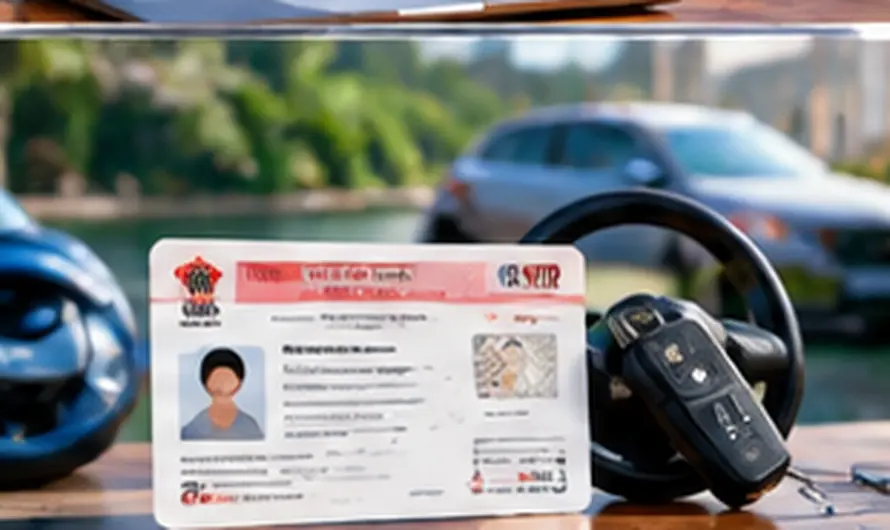
by Driving licence download online is now one of the fastest ways to carry a valid DL without waiting for a plastic card to arrive by post. Whether your physical licence is lost, still in transit from the RTO, or you simply want a backup on your phone, the Ministry of Road Transport and Highways (MoRTH) lets you fetch a legally recognized digital copy in minutes through DigiLocker or mParivahan.
This matters because traffic police in most states now accept a digital driving licence shown on your phone as valid proof, so you no longer need to carry a physical card everywhere you drive. It is also useful if your original card was damaged, faded beyond recognition, or you simply misplaced it and need instant proof while waiting for a duplicate to be issued.
How to Complete Your Driving Licence Download Online: Step-by-Step
1. Install DigiLocker or Open the Website
Download the DigiLocker app from the Play Store or App Store, or visit digilocker.gov.in on a browser. DigiLocker is the official government document wallet under the Ministry of Electronics and Information Technology, so it is the safest place to store your licence.
2. Register and Verify with Aadhaar
Sign up using your mobile number and verify with an OTP. You will then be asked to link your Aadhaar number, since DigiLocker uses Aadhaar-based verification to confirm your identity before pulling any government-issued document into your account.
3. Fetch Your Licence from MoRTH/Sarathi
Go to “Issued Documents” or search for “Driving Licence” and select the Ministry of Road Transport and Highways as the issuer. Enter your driving licence number exactly as printed on your card and your date of birth. DigiLocker then pulls your record directly from the Sarathi/Parivahan database.
4. Download, Save, or Share the Digital DL
Once fetched, your driving licence appears as a digitally signed PDF inside DigiLocker. You can download it to your phone, view it offline anytime, or share it instantly with traffic police or a car rental company without printing anything.
5. Use mParivahan as a Quick Alternative
If you prefer not to install DigiLocker, the mParivahan app also lets you add your driving licence using the same DL number and date of birth, then displays it as a virtual card you can show on demand.
Is a DigiLocker Driving Licence Legally Valid?
Yes. Under Rule 139 of the Central Motor Vehicle Rules, 1989, read with the Information Technology Act, 2000, and a MoRTH notification dated August 8, 2018, documents accessed through DigiLocker or mParivahan are treated as legally equivalent to the original physical documents. This means you are not required to carry the plastic card once your driving licence download online is complete and saved in either app.
What You Need Before You Start
- Your driving licence number exactly as printed on the card
- Your date of birth as recorded with the RTO
- A mobile number linked to Aadhaar for OTP verification
- Aadhaar number for identity verification during registration
If you have not yet applied for a licence and only need to manage your identity documents first, our complete guide to Aadhaar card services online walks through downloading and updating Aadhaar, which DigiLocker requires for linking. For other government IDs you can manage the same way, see our guide on PAN card online apply, download and correction.
Common Problems and Fixes
DigiLocker says “No record found” for my DL number.
Double-check you are entering the licence number exactly as printed, including any leading zeros or state code letters, with no extra spaces. If it still fails, your licence data may not yet be digitized by your state’s RTO, in which case mParivahan is worth trying as a second source.
My date of birth does not match.
Use the date of birth exactly as it appears in your RTO records, not necessarily what is on your Aadhaar, since small mismatches between documents are common and can block the fetch step.
Aadhaar linking keeps failing.
Make sure the mobile number you are using is the same one registered with your Aadhaar, since DigiLocker verifies identity through an Aadhaar-linked OTP rather than any mobile number.
Frequently Asked Questions
Can I download a driving licence online if I only have a learner’s licence?
Yes, a learner’s licence can also usually be fetched the same way through DigiLocker once it has been issued and digitized by your RTO.
Do I need to carry the physical card if I have the digital version?
No. Once your driving licence download online is saved in DigiLocker or mParivahan, most state traffic police accept the digital version as valid proof under the current MoRTH rules.
Is there any fee to download my driving licence through DigiLocker?
No, fetching and downloading your driving licence through DigiLocker or mParivahan is completely free of cost.
What if my driving licence has expired?
DigiLocker will still fetch and display an expired licence record, but you will need to apply for renewal through your state RTO’s Sarathi portal separately, since DigiLocker only stores and verifies existing records rather than renewing them.
Keeping a verified digital copy of your licence is one of the simplest ways to stay prepared, whether you are renting a vehicle, dealing with a lost wallet, or just want faster access at a traffic stop. Once you complete the driving licence download online through DigiLocker or mParivahan, keep both apps updated so your saved copy always reflects your latest licence details.