by
by What is an e-PAN Card?
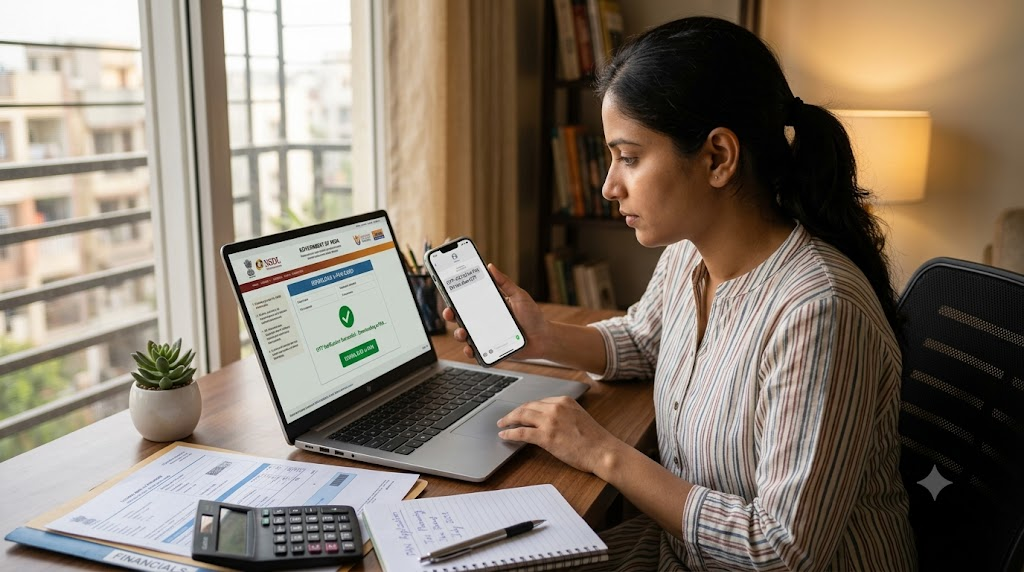
An e-PAN card is an electronic copy of your PAN card that can be downloaded as a PDF file. It is issued by the Income Tax Department and contains the same information as the physical PAN card.
You can use an e-PAN for:
- Banking services
- Income tax return filing
- KYC verification
- Financial transactions
- Identity proof where PAN is accepted
Benefits of e-PAN
Downloading an e-PAN offers several advantages:
- Instant digital access anytime
- No need to carry the physical PAN card
- Easy to download whenever required
- Accepted for most PAN verification and KYC purposes
- Safe to store on your mobile phone, tablet, or computer
Details Required
Before downloading your e-PAN, keep the following details ready:
- PAN Number or Aadhaar Number (as applicable)
- Date of Birth
- Registered Mobile Number
- OTP received for verification
How to Download e-PAN
Follow these simple steps:
💼 Visit Income Tax e-Filing Official Portal
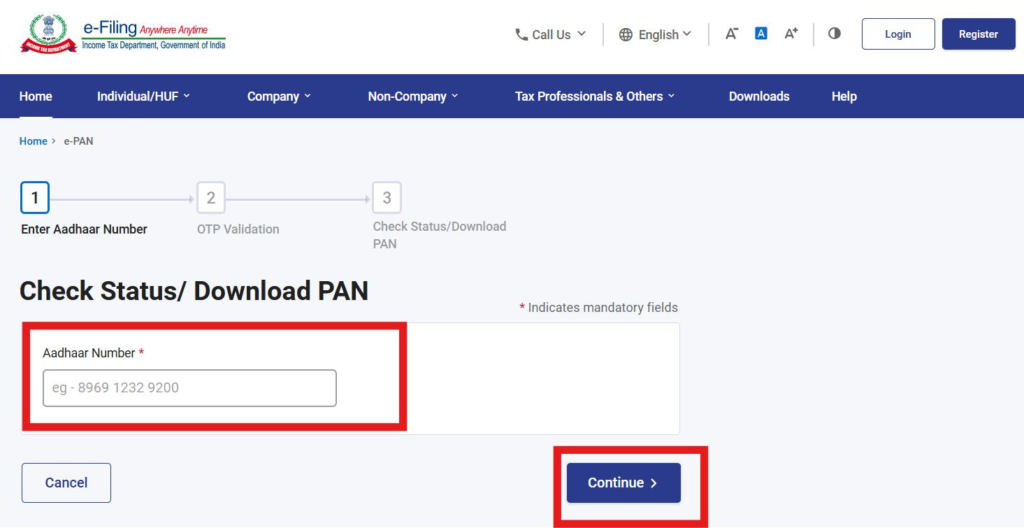
- Visit the official e-PAN portal.
- Select the Download e-PAN option.
- Enter your PAN number or Aadhaar number.
- Provide your date of birth if required.
- Complete the OTP verification using your registered mobile number.
- Download the e-PAN in PDF format.
- Save the file securely for future use.
Important Tips
Keep these points in mind while downloading your e-PAN:
- Use only the official government portal.
- Make sure your registered mobile number is active for OTP verification.
- Never share your PAN details or OTP with anyone.
- Download a fresh copy whenever you need the latest digital version.
Official Website
Income Tax e-Filing Portal:
💼 Visit Income Tax e-Filing Official Portal
Conclusion
Downloading an e-PAN card is a quick, secure, and convenient process. It allows you to access your PAN digitally whenever needed and makes banking, tax filing, KYC verification, and other financial services easier. Keeping a copy of your e-PAN on your device ensures that your PAN is always available whenever required.