by
by Resume PDF online creation has become the standard way job seekers put together a polished, ATS-friendly resume without opening a single desktop app. Free browser-based builders like Canva, FlowCV, and Adobe Express let you pick a template, fill in your details, and download a print-ready PDF in under ten minutes, all without paying a subscription fee just to get your file out.
This matters because most applicant tracking systems and recruiters still expect a PDF attachment rather than a shareable link, and a properly formatted PDF keeps your layout, fonts, and spacing exactly as designed no matter which device or software opens it. Knowing how to create a resume PDF online the right way saves you from formatting headaches later and from resume builders that lock the actual PDF download behind a paywall.
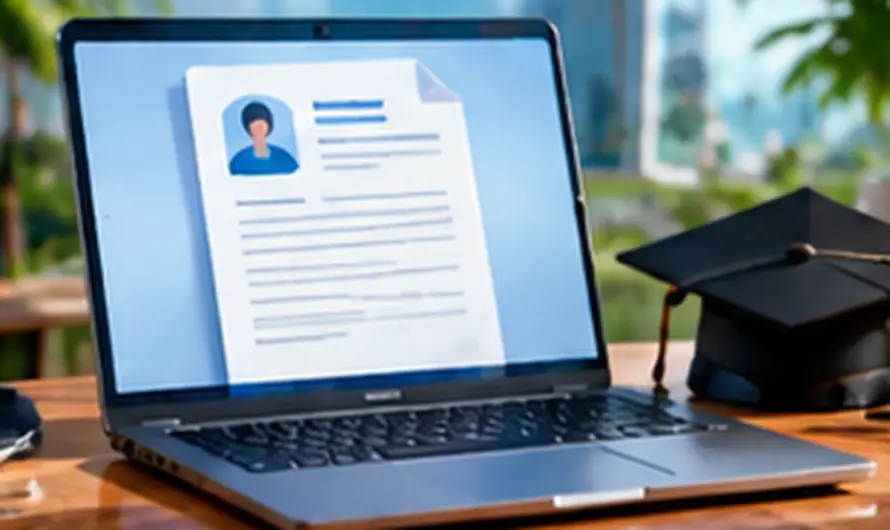
How to Create a Resume PDF Online
- Choose a free resume builder. Canva, FlowCV, Adobe Express, and Novoresume all offer genuinely free templates with a working PDF export, unlike some tools that only unlock PDF downloads on a paid plan.
- Pick a clean, ATS-friendly template. Stick to simple single-column or lightly styled two-column layouts, since heavy graphics and complex tables can confuse the applicant tracking systems many companies use to scan resumes.
- Fill in your details section by section. Add your contact information, work experience, education, and skills, keeping bullet points short and focused on measurable results rather than long paragraphs.
- Review formatting and spelling. Check that fonts, spacing, and bullet alignment stay consistent throughout, and proofread carefully since a resume with typos is often the fastest way to get filtered out.
- Download as PDF. Use the tool’s “Download” or “Export” option and select PDF format, then open the downloaded file to confirm it looks exactly as intended before sending it anywhere.
What You Need Before You Start
- Your up-to-date work history, including job titles, companies, and dates of employment
- A summary of your key skills and any certifications relevant to the job you are targeting
- Your education details and any notable achievements worth highlighting
- A stable internet connection, since browser-based resume builders save and export online
Best Free Tools for Resume PDF Online
- Canva offers hundreds of free resume templates with full drag-and-drop customization and a free PDF download, making it one of the most flexible options available.
- FlowCV focuses specifically on ATS-friendly resume formatting and lets you export a clean PDF without hidden paywalls on the download itself.
- Adobe Express provides professionally designed resume templates backed by Adobe’s design tools, with a straightforward free PDF export.
- Novoresume gives a free tier with modern templates, though some premium templates and colors are reserved for paid plans.
Once your resume PDF is ready, our guide on converting PDF to Word using AI is useful if an employer’s application portal specifically asks for a Word document instead. And if you are still building the skills to list on your resume, see our guide on free online courses with certificates for options that strengthen your resume at no cost.
Formatting Tips That Actually Matter
Keep your resume PDF to one or two pages, use a standard, readable font like Arial or Calibri at 10 to 12 points, and save the file with a clear name such as “FirstName-LastName-Resume.pdf” rather than a generic “Download” or “Untitled” filename. Avoid embedding your resume text inside an image or scanned graphic, since applicant tracking systems need to read actual text to parse your details correctly.
Common Problems and Fixes
The PDF download button is greyed out or asks for payment.
Some builders reserve certain templates for paid plans while still displaying them in the free gallery, so switch to a template explicitly marked “free” or try a different tool like FlowCV that keeps PDF export unlocked.
My resume looks different after downloading as PDF.
This usually happens when a font used in the online editor is not embedded properly in the export, so try switching to a more common font and re-downloading, or check the tool’s font-embedding settings if available.
The file size is too large to upload to a job portal.
A resume with heavy images or graphics can bloat the file size, so remove unnecessary visuals or compress the PDF using a dedicated online compression tool before uploading.
Frequently Asked Questions
Is it really free to create a resume PDF online?
Yes, tools like Canva, FlowCV, and Adobe Express let you build and download a basic resume as a PDF at no cost, though some templates and advanced features may sit behind a premium plan.
Are online resume builders safe to use with my personal information?
Reputable builders like Canva and Adobe Express follow standard data protection practices, but avoid entering sensitive details like your full home address or ID numbers that are not necessary for a resume.
Will a PDF resume work with every job application system?
Most modern applicant tracking systems accept PDF resumes without issue, but if a specific job posting asks for a Word document, convert your file rather than submitting the wrong format.
Can I edit my resume PDF later if I need to update it?
Yes, if you built it in an online tool like Canva or FlowCV, log back into your account and edit the original project, then re-export a fresh PDF rather than trying to edit the PDF file directly.
Creating a resume PDF online is fastest with a genuinely free builder like Canva or FlowCV, a clean ATS-friendly template, and a careful proofread before you download. Keep your original project saved in the tool you used so future updates only take a few minutes instead of starting from scratch.