Is your WhatsApp account hacked? Maybe friends are getting strange money requests from your number, or you were suddenly logged out with a message that your number is registered on another phone. Do not panic. In most cases, you can recover a WhatsApp account hacked by scammers within minutes if you act quickly.
This easy guide shows the signs of a WhatsApp account hacked situation, the exact steps to take back control, what to do if the hacker has set a two-step PIN, how to warn contacts, and how to protect your account so it never happens again.
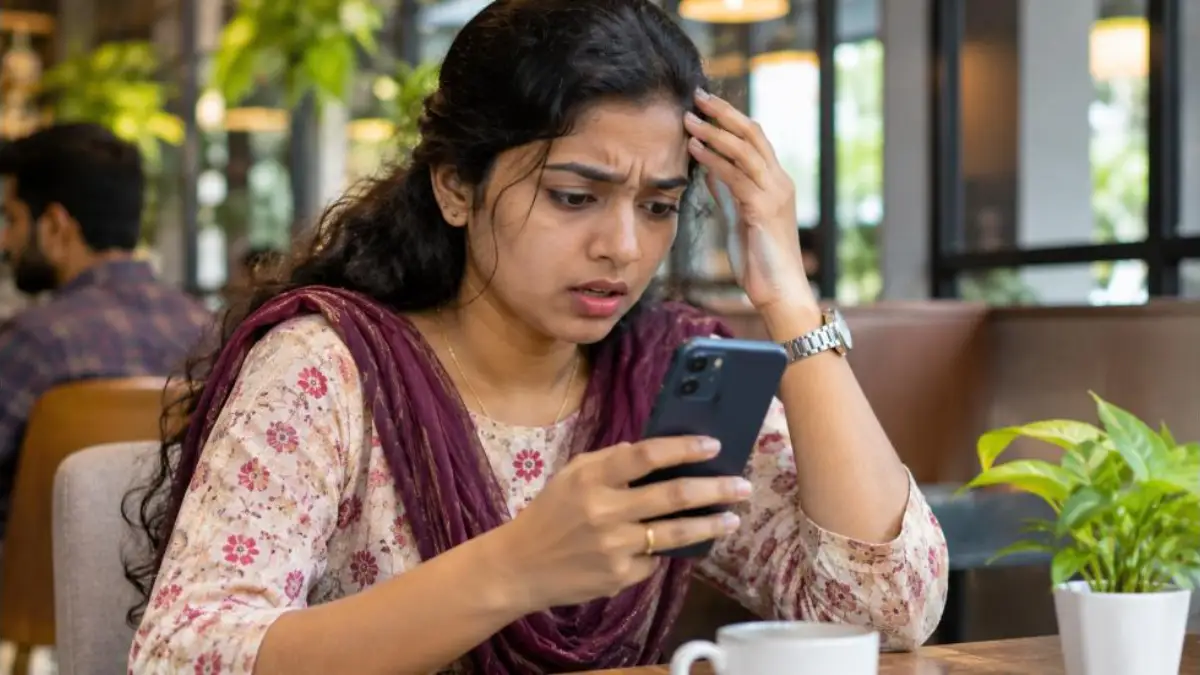
WhatsApp Account Hacked: Quick Action Plan
| Step | What to do | Why |
|---|---|---|
| 1 | Re-register WhatsApp with your number and SMS code | Logs the hacker out of the main session |
| 2 | Check and log out all linked devices | Removes WhatsApp Web or desktop sessions |
| 3 | Turn on two-step verification | Blocks future takeovers |
| 4 | Warn family and friends | Stops them sending money to scammers |
| 5 | Email WhatsApp support and report to cybercrime | Gets help if you cannot log in; records the crime |
Signs Your WhatsApp Account Is Hacked
- You are logged out and see “Your phone number is no longer registered with WhatsApp on this phone”.
- Contacts receive messages you did not send, often asking for money or OTPs.
- New linked devices appear under Settings > Linked devices.
- Your profile photo, name or about text changed without you.
- You were added to groups you do not know.
- You get unexpected six-digit WhatsApp registration codes by SMS.
How WhatsApp Accounts Get Hacked
Understanding the method helps you avoid it next time. Most cases of WhatsApp account hacked in India happen through social engineering, not technical hacking.
1. OTP sharing scam
A scammer, often using a friend’s already-hacked account, says “I sent a code to your number by mistake, please forward it”. That six-digit code is your WhatsApp registration code. Once shared, the scammer registers your number on their phone.
2. Fake customer care and call forwarding
Fraudsters call pretending to be from a telecom company or courier and ask you to dial a code starting with *401* or similar. This forwards your calls to their number. They then request WhatsApp verification by voice call and receive your code.
3. WhatsApp Web left open
If someone scans the QR code on your phone, or you leave WhatsApp Web logged in on a shared computer, they can read and send messages.
4. Malicious apps and links
Fake “WhatsApp Gold”, modded apps, or APK files sent as wedding invites or bills can give scammers control of your phone.
5. Voicemail access
If voicemail is active with a default PIN, attackers can request a voice code that lands in your voicemail and listen to it.
How to Recover a WhatsApp Account Hacked by Someone
Follow these steps in order. Speed matters, because the scammer may be messaging your contacts right now.
Step 1: Reinstall or open WhatsApp and verify your number
- Keep your SIM card in your phone and make sure it has network.
- Open WhatsApp. If you were logged out, tap Agree and continue.
- Enter your mobile number.
- Enter the six-digit code that arrives by SMS (or request a voice call).
Only one phone can be registered with a number at a time. When you verify again, the hacker’s phone is automatically logged out.
Step 2: If WhatsApp asks for a two-step verification PIN
If the hacker turned on two-step verification, WhatsApp will ask for a six-digit PIN that you do not know. Do this:
- Tap Forgot PIN. If you had linked an email to two-step verification earlier, you can reset it via email.
- If not, you must wait. After 7 days without the PIN, WhatsApp lets you verify your number without it. The hacker is still logged out the moment you verify with the SMS code, even before the 7 days end.
Step 3: Log out all linked devices
- Open WhatsApp > Settings (or the three dots menu) > Linked devices.
- Tap each device you do not recognise and select Log out.
Step 4: Turn on two-step verification yourself
- Go to Settings > Account > Two-step verification.
- Tap Turn on and create a six-digit PIN.
- Add an email address so you can reset the PIN if you forget it.
Step 5: Add a passkey or email verification
WhatsApp now supports passkeys and email for account verification on many phones. Under Settings > Account, add a passkey (uses your phone’s fingerprint or face unlock) and an email address. These make it much harder for anyone to register your number elsewhere.
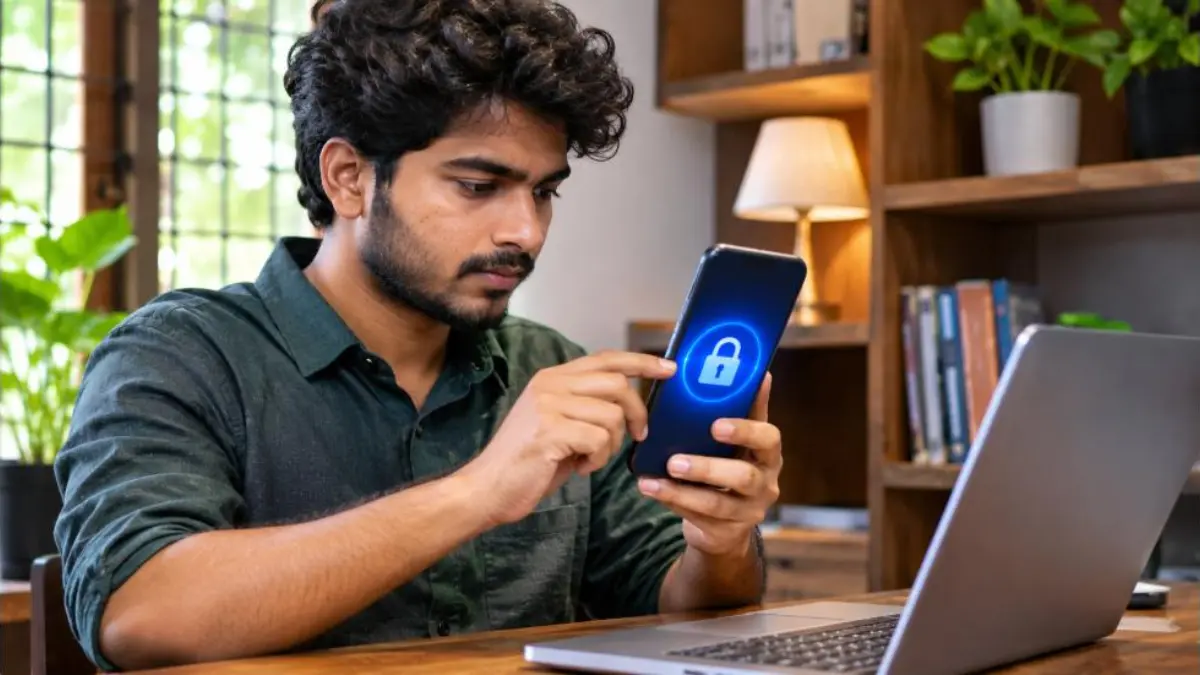
If You Cannot Recover the WhatsApp Account Hacked by Scammers
Sometimes the SMS code does not come because the scammer forwarded your calls, or your SIM was swapped. Try the following:
- Cancel call forwarding: Dial ##002# from your phone to cancel all call forwarding.
- Check your SIM: If your phone suddenly shows “No service”, your SIM may have been swapped. Contact your telecom operator immediately.
- Email WhatsApp support: Write to WhatsApp support from the app (Settings > Help > Contact us) or via the official help centre, with the subject “Lost/Stolen: Please deactivate my account” and your full phone number in international format (+91 followed by the number).
- Report to cybercrime: File a complaint at cybercrime.gov.in or call 1930, especially if money was taken from anyone.
Warn Your Contacts Immediately
When a WhatsApp account hacked by fraudsters is used, the first victims are usually your family and friends. The scammer sends messages like “Urgent, please send ₹5,000 on GPay, I will return it tonight” or “Forward me the code I sent you”.
- Post a status or message from another number or social media saying your WhatsApp was hacked.
- Call close family and elders directly.
- Ask contacts not to send money or OTPs and to report suspicious messages.
- If someone already sent money, ask them to report on the cybercrime portal and to their bank right away. See our guide on UPI fraud complaint.
WhatsApp Account Hacked vs WhatsApp Web Misuse
| Situation | How you notice | Fix |
|---|---|---|
| Number registered on another phone | You are logged out of WhatsApp | Re-verify with SMS code |
| WhatsApp Web or desktop misuse | You stay logged in, but messages are sent or read | Log out from Linked devices |
| Phone itself compromised | Strange apps, battery drain, pop-ups | Remove unknown apps, scan, factory reset if needed |
| Cloned or modded app | Using unofficial WhatsApp version | Uninstall and install official app from Play Store or App Store |
Will You Lose Chats After Recovery?
When you take back a WhatsApp account hacked by someone, your chats on your own phone usually stay safe if you did not uninstall the app. If you reinstalled, restore from your Google Drive or iCloud backup during setup.
The hacker cannot see your old chat history on their phone unless they restored a backup they had access to. Chats are end-to-end encrypted and stored on devices, not on WhatsApp servers. However, the hacker could see new messages received while they controlled the account.
How to Protect WhatsApp From Being Hacked Again
- Never share the six-digit WhatsApp code with anyone, even friends or family.
- Enable two-step verification with a PIN and email.
- Add a passkey where available.
- Do not dial codes like *401* or *21* given by unknown callers.
- Set a strong voicemail PIN or turn off voicemail.
- Check Linked devices every few weeks.
- Use the official app only. Avoid GB WhatsApp, WhatsApp Plus and APK files.
- Lock your phone with a PIN, fingerprint or face unlock, and turn on app lock in WhatsApp privacy settings.
- Do not open unknown APK attachments such as “invitation.apk” or “bill.apk”.
- Check which SIM cards are in your name using the government portal. Our guide on how to check SIM cards in your name explains this.
Common Scam Messages to Watch For
- “Hi, I accidentally sent my code to your number, please share it.”
- “Your WhatsApp will be blocked today, verify by sending the OTP.”
- “Congratulations, you won a prize. Click this link and log in.”
- “I am stuck at the hospital, please send money urgently” (from a known contact’s number).
- “Please install this app for KYC update.”
If a known contact asks for money on WhatsApp, always call them on a normal voice call to confirm before paying.
WhatsApp Account Hacked: What to Do in the First 10 Minutes
The first few minutes after you notice a WhatsApp account hacked situation are the most important. Use this quick timeline:
- Minute 1–2: Open WhatsApp and request the SMS code to re-verify your number.
- Minute 3: If the code does not come, dial ##002# to cancel call forwarding and request again.
- Minute 4–5: Once in, go to Linked devices and log out every device.
- Minute 6: Turn on two-step verification with a new PIN and your email.
- Minute 7–8: Message close contacts and family groups that your account was misused.
- Minute 9–10: Take screenshots of scam messages for your cybercrime complaint.
WhatsApp Account Hacked on iPhone vs Android
The recovery steps for a WhatsApp account hacked are the same on both platforms because recovery depends on your phone number. Small differences:
| Task | Android | iPhone |
|---|---|---|
| Open settings | Three dots menu > Settings | Settings tab at bottom right |
| Linked devices | Three dots menu > Linked devices | Settings > Linked devices |
| Chat backup | Google Drive | iCloud |
| App lock | Privacy > App lock (fingerprint) | Privacy > Screen lock (Face ID) |
WhatsApp Business Account Hacked
For shops and small businesses, a WhatsApp Business account hacked by scammers can damage customer trust. Follow the same re-verification steps, then:
- Check your business profile, catalogue and payment links for changes.
- Review quick replies and greeting messages; scammers sometimes edit them.
- Inform customers through your other channels such as Instagram or Google Business Profile.
- Turn on two-step verification for every phone used for the business.
How Scammers Use a WhatsApp Account Hacked From You
Knowing the scammer’s playbook helps your contacts spot the trick. A WhatsApp account hacked by fraud gangs is used to:
- Ask contacts for urgent money through UPI.
- Request OTPs to hack more WhatsApp accounts in a chain.
- Share fake investment or part-time job links in groups.
- Send malicious APK files disguised as documents.
- Blackmail using private chats or photos.
Because the message comes from a trusted number, many people fall for it. This is why warning contacts quickly is so important.
Legal Help in India
Hacking someone’s account and cheating people using it are offences under Indian law, including the Information Technology Act. File a complaint on the national cybercrime portal or at your nearest cyber police station. Keep screenshots, the scammer’s numbers, UPI IDs used and dates and times of messages. These details help the police trace the fraudsters.
Check Your Phone After Recovery
After you recover a WhatsApp account hacked through a malicious app, the phone itself may still be unsafe. Do a quick health check:
- Open Settings > Apps and remove apps you do not remember installing.
- Check Settings > Security > Device admin apps and remove unknown entries.
- Turn on Google Play Protect and run a scan.
- Check Accessibility settings for unknown apps with special access.
- Update Android or iOS to the latest version.
- Change your Google or Apple ID password and enable two-factor authentication.
If problems continue, back up your photos and chats, then factory reset the phone. This removes hidden malware.
Teach Elderly Parents These Rules
Older family members are frequent targets. Sit with them and set up two-step verification. Then teach three simple rules: never share any code that comes by SMS, never dial codes given by callers, and always call back on a known number before sending money. Write these rules on a card near their phone.
Privacy Settings Worth Turning On
- Groups: Settings > Privacy > Groups > My contacts, so strangers cannot add you.
- Silence unknown callers: Settings > Privacy > Calls.
- Profile photo and last seen: Limit to My contacts.
- Block and report: Long-press suspicious chats and report them so WhatsApp can act on scam numbers.
- Disappearing messages: Use for sensitive chats.
Signs of SIM Swap Fraud
In rare cases, a WhatsApp account hacked event begins with a SIM swap, where criminals get a duplicate SIM issued in your name. Watch for these signs:
- Your phone suddenly shows no network for a long time in an area with good coverage.
- You receive an SMS from your operator about a SIM change request you did not make.
- Bank OTPs and WhatsApp codes stop arriving.
If you notice these, visit your operator’s store with ID proof immediately and ask them to block the duplicate SIM. Also call your bank to freeze online transactions until the SIM is back in your control.
Keeping your SIM secure is the foundation of keeping WhatsApp, UPI and bank accounts safe, because all of them depend on SMS verification sent to your number.
Frequently Asked Questions
Can I recover a WhatsApp account hacked without the SIM?
No. You need access to the SIM to receive the verification code. Get a duplicate SIM from your operator first.
How long does it take to recover?
Usually a few minutes with the SMS code. If the hacker set two-step verification and you have no email, you may have to wait 7 days to fully access the account.
Can the hacker read my old chats?
Generally no, unless they had access to your backup or phone. They can see new messages that arrive while they control the account.
Should I file a police complaint?
Yes, especially if your account was used to cheat others. Report on cybercrime.gov.in or call 1930.
Does deleting WhatsApp stop the hacker?
No. Deleting the app on your phone does not log out the hacker. You must re-verify your number.
Conclusion
A WhatsApp account hacked by scammers is stressful, but recovery is usually quick. Re-verify your number with the SMS code, log out unknown devices, switch on two-step verification and warn your contacts. Most importantly, never share your WhatsApp code with anyone. These simple habits keep your chats, contacts and money safe.