by
by A Kerala Community Certificate is an official document from the Revenue Department that confirms the religion and community of a person. Students need it for admission quotas, job seekers need it for Kerala PSC reservation, and families use it for many welfare schemes. Instead of writing an application at the village office, you can now apply online through the e-District portal and download a digitally signed certificate once it is approved. This article explains the complete process in simple language.

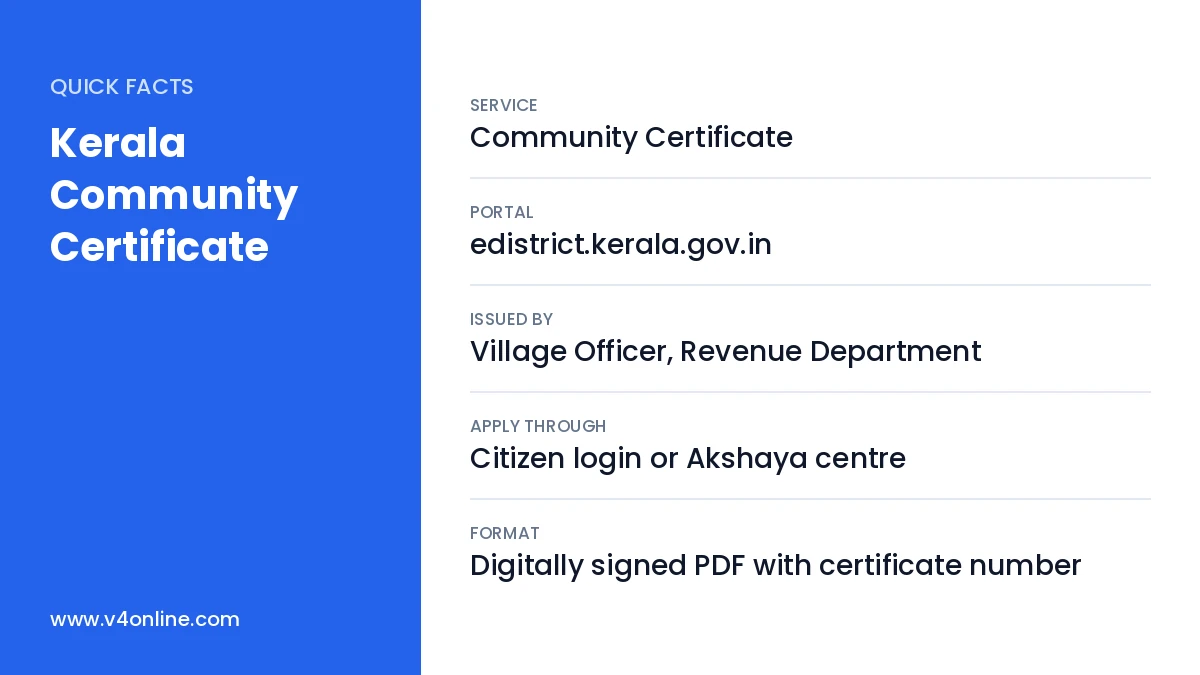
| Service | Community Certificate |
|---|---|
| Portal | edistrict.kerala.gov.in |
| Issued By | Village Officer, Revenue Department |
| Apply Through | Citizen login or Akshaya centre |
| Format | Digitally signed PDF with certificate number |
Who Needs a Kerala Community Certificate?
This certificate is mostly required by candidates from Other Backward Classes (OBC), minority communities and other listed communities in Kerala. It is used for community reservation in higher secondary, degree and professional admissions, in Kerala PSC recruitment, and for fee concessions. Some central institutions ask for a non-creamy layer certificate instead, which also proves income status, so check the exact requirement before applying.
Where Is the Certificate Used?
- Plus One, degree, engineering and medical admission quotas.
- Kerala PSC One Time Verification for reserved posts.
- Scholarships for minority and backward communities.
- Welfare schemes of the Backward Classes Development Department.
- Hostel and fee concessions in educational institutions.
Documents Needed
Keep the SSLC certificate or school record showing religion and community, the Aadhaar card, and the ration card or any residence proof. A community certificate of the father or a close relative helps the Village Officer verify quickly. For children who have not reached SSLC, the school admission register extract or birth certificate can be used. All scans must be clear and in colour where possible.
Kerala Community Certificate: Step-by-Step Application
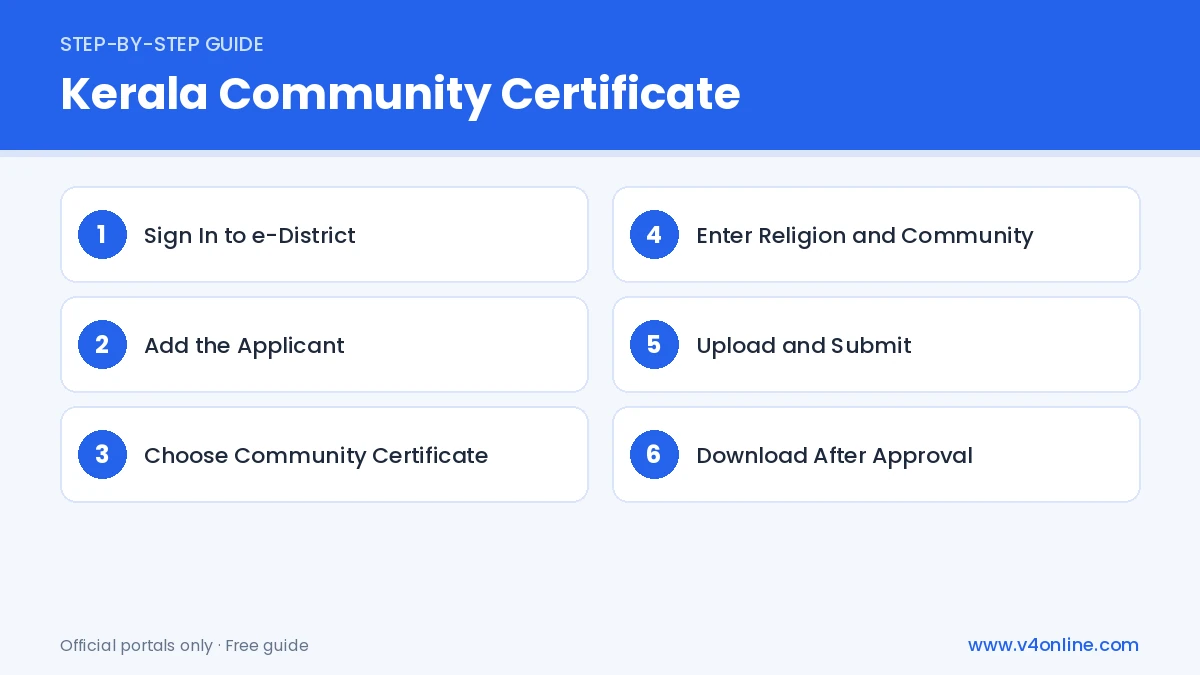
Step 1: Sign In to e-District
Go to edistrict.kerala.gov.in and sign in using your username and password. If you do not have an account, register with your mobile number and OTP. Detailed help is available in our e District Kerala login guide.
Step 2: Add the Applicant
Use One Time Registration to add the person who needs the certificate. Enter the name as in school records, date of birth, address and upload a photo. Parents can add their children to their own account.
Step 3: Choose Community Certificate
Open the “Certificate” section and select “Community Certificate”. Choose the applicant from the list. The form for the service will open on the screen.
Step 4: Enter Religion and Community
Select the religion and the community from the drop-down menu. Enter the purpose of the certificate, such as admission or PSC. Fill in the father’s and mother’s names and select the village office where your permanent residence falls.
Step 5: Upload and Submit
Upload the supporting documents, preview the application and submit. Pay the service fee online using net banking, card or UPI. Note the application number for tracking.
Step 6: Download After Approval
Once the Village Officer approves the request, log in and open “Application Status”. Click the download link to save the digitally signed Kerala Community Certificate as a PDF.
How Long Does It Take?
Most applications are approved within a few working days. During admission seasons, village offices receive a large number of requests, so it may take longer. Applying at least two weeks before your deadline is a good idea. If the application is returned with a remark, correct the problem and resubmit quickly to avoid further delay.
Tips for Faster Approval
Make sure the community written in the SSLC book matches the one you select online. Use the same spelling of names as in school records. Upload a parent’s certificate if available, and do not leave the purpose field blank. Keep your mobile number active, because the village office may call you for clarification before approving the Kerala Community Certificate.
Applying Through an Akshaya Centre
People who are not familiar with online forms can visit any Akshaya centre with their original documents. The staff will register the applicant, choose the community certificate service, scan the documents and submit the form for a small service charge. You will receive a receipt with the application number, and the approved certificate can be printed at the centre or downloaded later from your own account.
Verifying the Certificate
Every approved certificate carries a unique number. Colleges and PSC offices can confirm it through the certificate verification option on the e-District website. This means you do not need attested copies, and the Kerala Community Certificate can be shared as a printout or PDF.
Frequently Asked Questions
Is the online Kerala Community Certificate valid for PSC?
Yes. Digitally signed e-District certificates are accepted for PSC verification.
Can I apply without an SSLC certificate?
Yes. Other school records or relatives’ certificates can be used as proof.
Do I need a new certificate every year?
Community does not change, but some institutions ask for a recently issued copy.
Can parents apply for their children?
Yes. Parents can register children under their own e-District account and apply on their behalf using school records.
Where can I check the application status?
Log in to e-District and open the Application Status section using your application number.
Conclusion
The Kerala Community Certificate is easy to get through e-District when your school records are correct. Register, apply with clear documents, track the status and download the certificate once approved. Also keep an updated income certificate ready, since admissions and scholarships often ask for both.