by
by The e District Kerala Login gives every citizen direct access to dozens of revenue department services without visiting a village office. Using one account, you can apply for income, caste, community, nativity and many other certificates, pay the fee online and download the signed certificate as a PDF. This guide explains how to create an account, how to log in safely, and how to use the portal for your first application in simple steps.
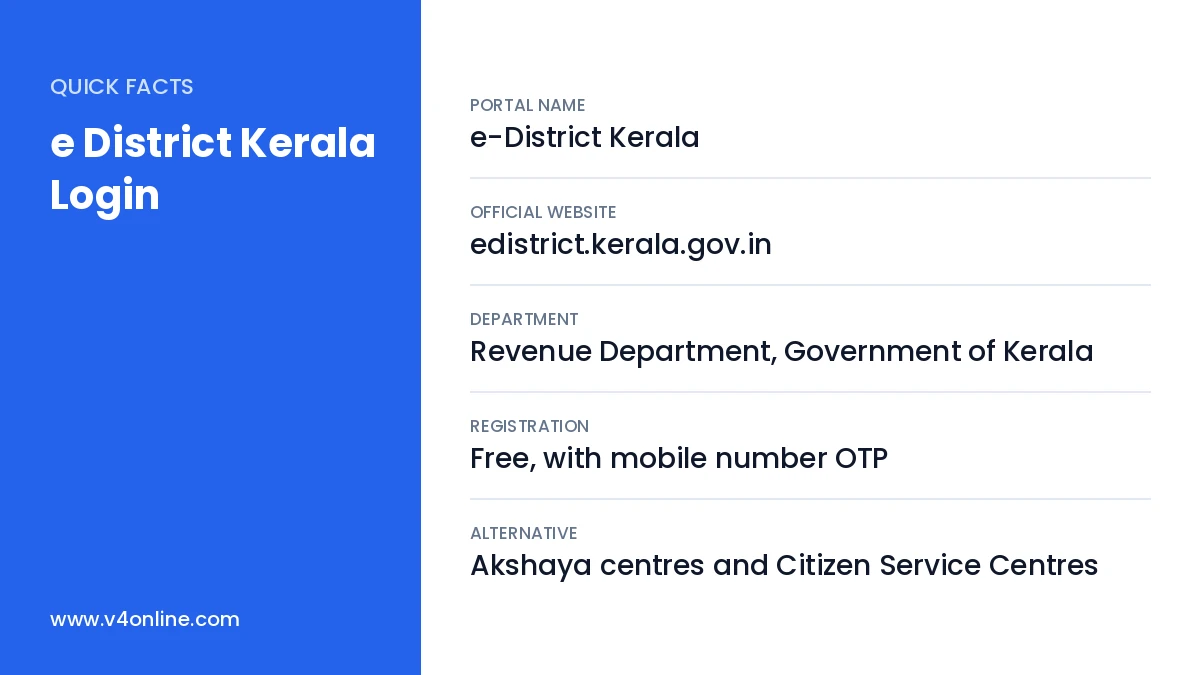
| Portal Name | e-District Kerala |
|---|---|
| Official Website | edistrict.kerala.gov.in |
| Department | Revenue Department, Government of Kerala |
| Registration | Free, with mobile number OTP |
| Alternative | Akshaya centres and Citizen Service Centres |
What Is e-District Kerala?
e-District is a Kerala government platform run by the Revenue Department and managed technically by Kerala State IT Mission. It connects citizens with village offices and taluk offices online. Applications submitted through the portal go directly to the concerned officer, who verifies them and issues a digitally signed certificate. Because the certificate carries a digital signature and a verification number, it is accepted by schools, banks and other departments across the state.
Services Available After e District Kerala Login
- Income certificate, caste certificate and community certificate.
- Nativity, domicile and residence certificates.
- Relationship, family membership and one and the same certificates.
- Possession, location and valuation certificates.
- Non-creamy layer certificate and several other revenue services.
Things You Need Before Registration
Keep an active mobile number, your Aadhaar number, an email ID if available, and a clear passport-size photo ready. You should also keep scanned copies of documents like the ration card, SSLC certificate and land tax receipt, because these are often needed while applying. Files should be in PDF or JPG format and within the size limit shown on the upload page.
How to Register on e-District Kerala
Step 1: Open the Official Website
Visit edistrict.kerala.gov.in in your browser. On the home page you will see the login box along with a link for new user registration. Click on “New Portal User” or “Register” to start creating your account.
Step 2: Verify Your Mobile Number
Enter your mobile number and the captcha, then click send OTP. Type the OTP you receive to confirm the number. This mobile number will be used for all future alerts, password resets and certificate status messages, so use a number you will keep for a long time.
Step 3: Fill in Your Profile Details
Fill in your name, gender, date of birth, address, district, taluk and village. Choose a username and a strong password with letters, numbers and a special character. Upload your photo and submit the form. A confirmation message will appear once the account is created successfully.
e District Kerala Login: Step-by-Step
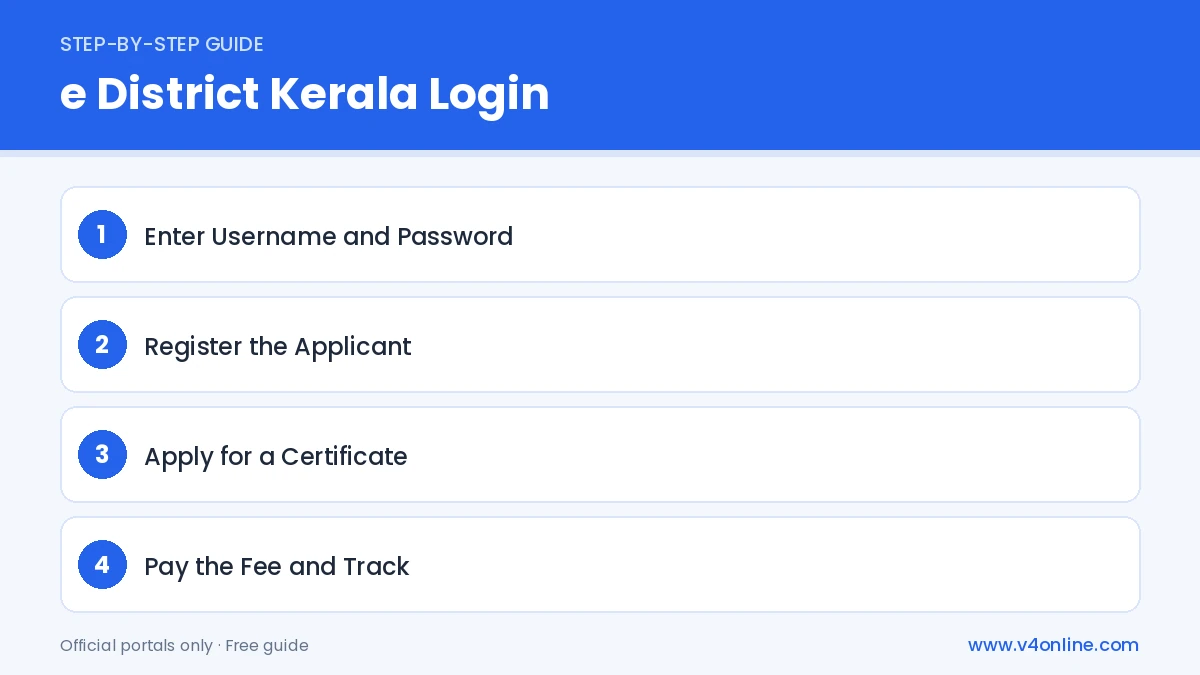
Step 1: Enter Username and Password
Go back to the home page and enter the username and password you created, along with the captcha. Click “Login”. If the site asks for OTP verification, enter the code sent to your registered number.
Step 2: Register the Applicant
After your first e District Kerala Login, use the “One Time Registration” option to add applicant details. One account can hold several family members, so you can apply for certificates for your children or parents from the same login.
Step 3: Apply for a Certificate
Select “Certificate” from the menu, choose the service, pick the applicant and fill in the form. Upload the required documents, preview the application and submit it.
Step 4: Pay the Fee and Track
Pay the small service fee through net banking, card or UPI. Note the application number shown on screen. You can check the status under “Application Status” and download the certificate once it is approved by the village officer.
How to Reset a Forgotten Password
If the e District Kerala Login fails because you forgot the password, click “Forgot Password” on the home page. Enter your username or registered mobile number and verify with the OTP. Set a new password and log in again. If the mobile number itself has changed, visit a nearby Akshaya centre with your ID proof to get the account details updated.
Benefits of Using e-District Kerala
The biggest advantage is saving time. You no longer need to stand in a queue at the village office or make repeated trips for a single certificate. Every application is tracked online, so you always know which officer is handling it. Certificates are stored in your account and can be downloaded again whenever needed. Many certificates can also be verified online by the receiving office using the certificate number, which reduces the chance of fake documents.
Frequently Asked Questions
What if my certificate application is rejected?
Read the reason shown in the status page, correct the documents and submit a fresh application.
Is e District Kerala Login free?
Yes. Creating an account and logging in are free. A small fee applies only when you submit a service application.
Can I apply for family members from my account?
Yes. Add each member through One Time Registration and apply on their behalf.
How long does a certificate take?
Most certificates are issued within a few working days, depending on verification by the village office.
Conclusion
e District Kerala Login makes revenue services simple for every citizen. With a single e District Kerala Login, you can handle most revenue certificates from your phone. Register once, keep your mobile number active and upload clear documents for faster approval. To see a full example, read our guides on income certificate online and Kerala caste certificate online apply.