by
by Voter ID Download Online is now possible for every registered voter in India through the Election Commission’s e-EPIC facility. e-EPIC is a secure PDF version of your Electors Photo Identity Card that you can save on your phone, print, or upload to DigiLocker. It works just like the plastic card and is useful when your original card is lost, damaged, or not yet delivered. The whole process is free and takes only a few minutes.
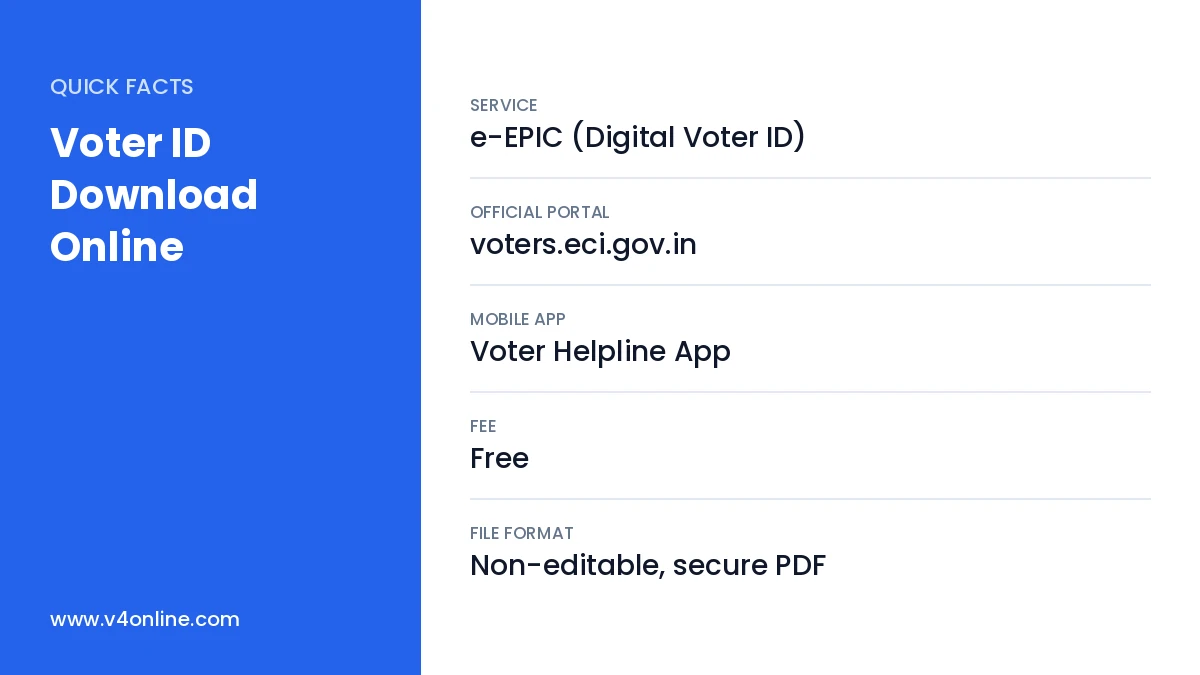
| Service | e-EPIC (Digital Voter ID) |
|---|---|
| Official Portal | voters.eci.gov.in |
| Mobile App | Voter Helpline App |
| Fee | Free |
| File Format | Non-editable, secure PDF |
What Is e-EPIC?
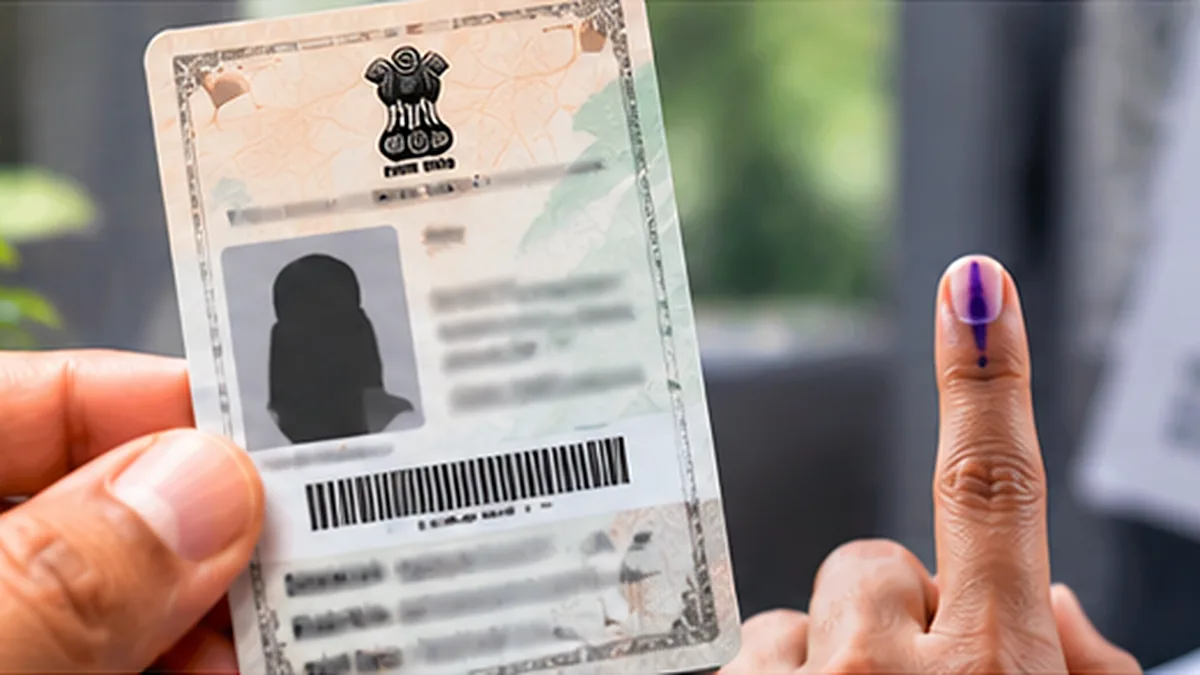
e-EPIC stands for Electronic Electors Photo Identity Card. It contains your photo, EPIC number, name, age, address, part number and serial number, along with a secure QR code. Because it is a locked PDF, it cannot be edited. You can show it at the polling booth along with other valid ID proofs, and it is accepted as a proof of identity by many offices that recognise the voter ID card.
Benefits of Voter ID Download Online
The digital card is available instantly, so you do not have to wait weeks for a plastic card to arrive by post. It cannot get lost or damaged, because you can download it again whenever needed. New voters can download the card soon after their Form 6 is approved. Voter ID Download Online also saves the cost of a duplicate card, and the PDF can be shared securely through DigiLocker with any office that asks for your voter identity.
Eligibility for Voter ID Download Online
- You must be a registered voter with a valid EPIC number or Form 6 reference number.
- Your mobile number must be linked with your electoral roll entry.
- If the mobile number is not linked, you must complete e-KYC or submit Form 8 to add it.
- The details in the electoral roll should be correct and verified.
Voter ID Download Online: Step-by-Step Process
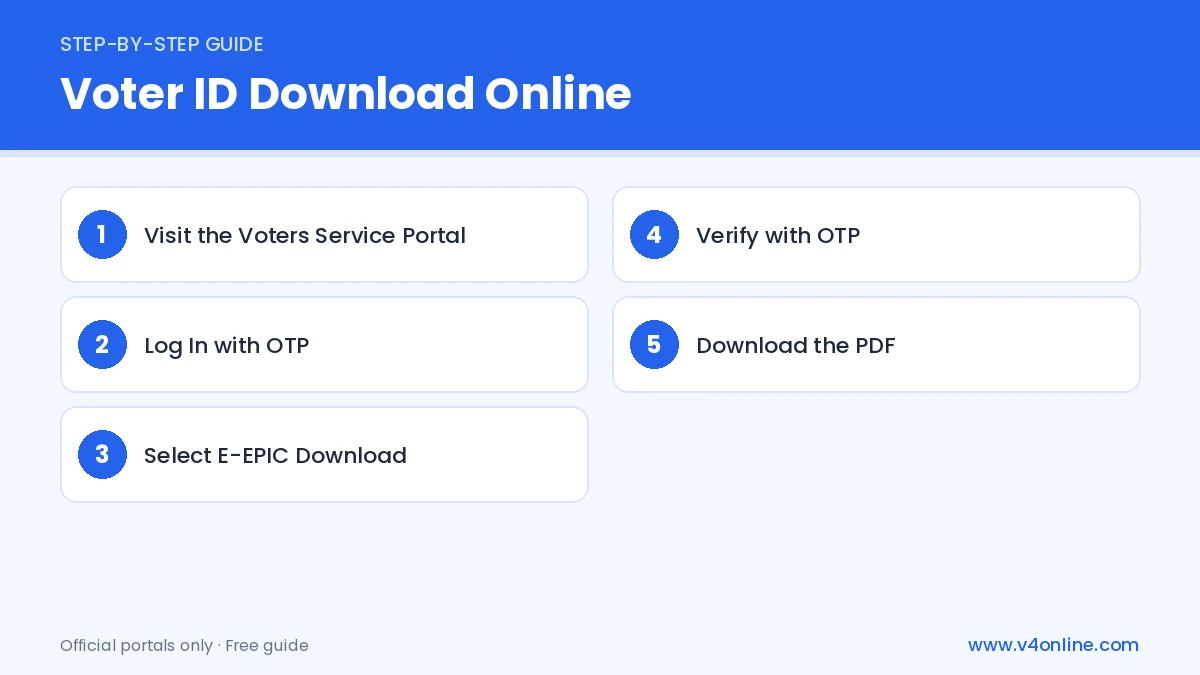
Step 1: Visit the Voters Service Portal
Open voters.eci.gov.in on your phone or computer. Click on “Login” at the top right. If you do not have an account, click “Sign Up” and register using your mobile number, email and a password. Verify the OTP to activate the account.
Step 2: Log In with OTP
Enter your registered mobile number or EPIC number, password and captcha, then click “Request OTP”. Type the OTP and click “Verify & Login”. You will reach the dashboard where all voter services are listed.
Step 3: Select E-EPIC Download
From the menu, choose “E-EPIC Download”. Select whether you are entering the EPIC number or the Form reference number, type it carefully and choose your state from the drop-down list. Click “Search” to fetch your details.
Step 4: Verify with OTP
Your name and details appear on the screen. Click “Send OTP” to receive a code on the mobile linked with your voter record. Enter the code and verify. If the number is different, the portal will ask you to complete e-KYC with face verification or update the mobile through Form 8.
Step 5: Download the PDF
Click “Download e-EPIC”. The PDF will be saved on your device. Keep it in a safe folder and also upload it to DigiLocker for easy access later. You can print it on normal paper and self-laminate it if you want a physical copy.
Voter ID Download Online Using the Voter Helpline App
Install the official Voter Helpline App from the Play Store or App Store. Log in with your mobile number and OTP. Tap “Voter Registration” or “E-EPIC Download”, enter your EPIC number and verify with OTP. The card downloads straight to your phone. This method is handy when you do not have a computer, and the app also lets you check your name in the electoral roll.
How to Find Your EPIC Number
If you have lost the card and do not remember your EPIC number, use the “Search in Electoral Roll” option on the portal. Search by name, age, district and constituency, or by the mobile number linked to your record. The results show your EPIC number along with your polling station. You can also read our guide to check your name in the Kerala voter list.
Common Problems and Solutions
If the portal shows “Mobile number not registered”, complete e-KYC or submit Form 8 for mobile number update. If your photo or address is wrong in the PDF, apply for correction through Form 8 before downloading again. For address changes, see our detailed guide on voter ID address change online. You can also call the national voter helpline 1950 for help.
Frequently Asked Questions
Is Voter ID Download Online free?
Yes. Downloading e-EPIC from the ECI portal or app costs nothing.
Is the e-EPIC valid for voting?
Yes. You can show e-EPIC at the polling station as your voter identity document.
Can I download the voter ID of family members?
Yes, but the OTP goes to the mobile number linked with that member’s record.
Conclusion
Voter ID Download Online through e-EPIC gives you a secure digital copy of your voter card within minutes. Link your mobile number, log in to the ECI portal or the Voter Helpline App, and download the PDF. Store it in DigiLocker so that your voter ID is always with you, even if the plastic card is lost.