by
by A Kerala PSC Profile Update is needed whenever your address, phone number, photo or qualifications change after One Time Registration. Kerala Public Service Commission uses the details in your Thulasi profile for every application, admission ticket and verification, so even a small mistake can cause trouble later. The good news is that most changes can be made online from home in a few minutes by logging in to your Thulasi account and editing the correct section.
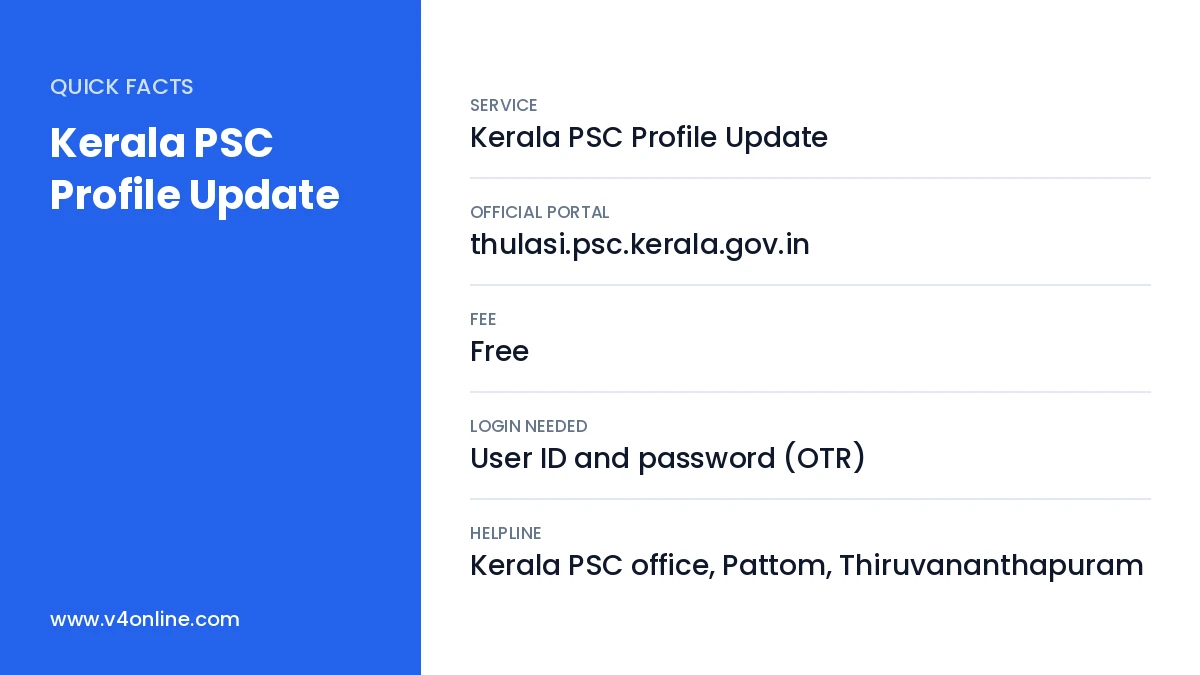
| Service | Kerala PSC Profile Update |
|---|---|
| Official Portal | thulasi.psc.kerala.gov.in |
| Fee | Free |
| Login Needed | User ID and password (OTR) |
| Helpline | Kerala PSC office, Pattom, Thiruvananthapuram |
Why You Should Keep Your PSC Profile Updated
Kerala PSC shortlists candidates using the qualifications and personal details stored in the profile. If a qualification is missing, you cannot apply for posts that need it. If your mobile number is old, you will miss OTPs and alerts. At document verification, officers compare your certificates with the profile, and any mismatch in name, date of birth or community may lead to rejection. A regular Kerala PSC Profile Update avoids these problems before they happen.
Details You Can Change Online
- Photograph and signature (a new photo is required once the old one is 10 years old).
- Communication address and permanent address.
- Mobile number and email ID (with OTP verification).
- Educational qualifications, technical qualifications and experience.
- ID proof details such as Aadhaar.
Details like name, date of birth, gender and community are locked after verification. To correct them you must submit a request with supporting documents, which PSC checks before approving.
Kerala PSC Profile Update: Step-by-Step Guide
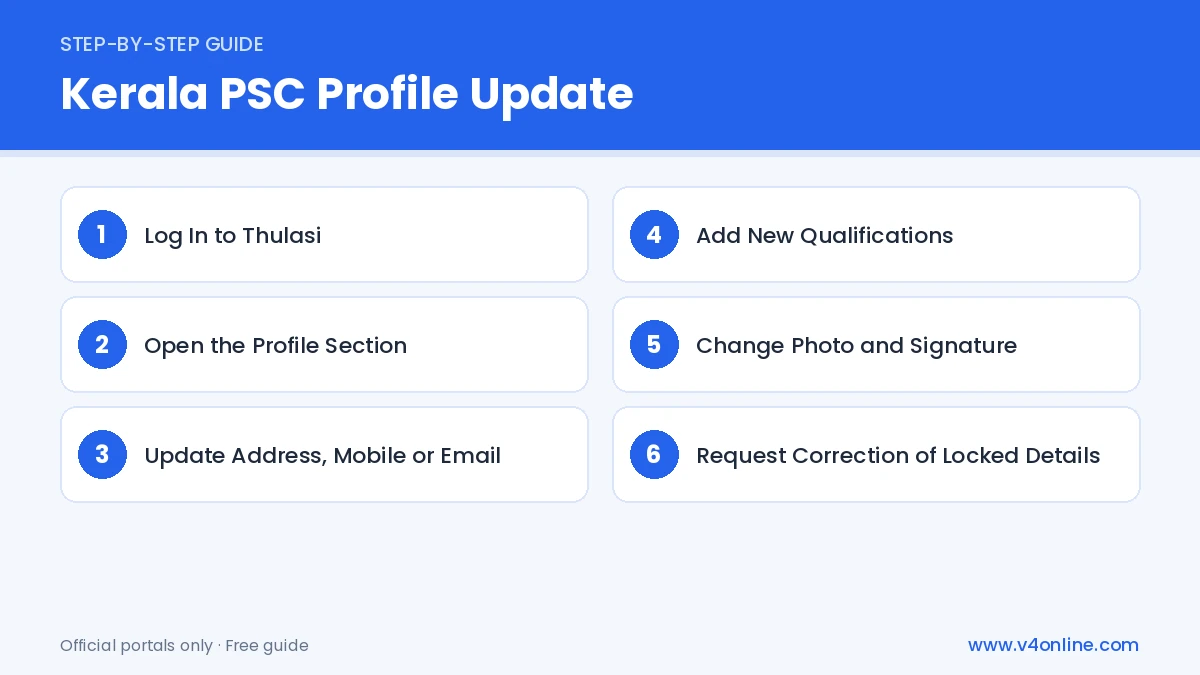
Step 1: Log In to Thulasi
Go to thulasi.psc.kerala.gov.in and enter your user ID, password and the captcha. If you have forgotten the password, use the “Forgot Password” link and reset it with the OTP sent to your registered mobile. New candidates who have not registered yet should first complete the PSC OTR online process.
Step 2: Open the Profile Section
After login, click on “My Profile” or the edit icon in the left menu. You will see tabs such as Personal Details, Communication Details, Qualifications and Photo. Choose the section that you want to change and click the edit option shown against it.
Step 3: Update Address, Mobile or Email
For address changes, type the new house name, place, post office, district and PIN code carefully. For a new mobile number or email, enter it and verify with the OTP. Click “Save” after every change and check that the updated details appear correctly on the profile page.
Step 4: Add New Qualifications
Open the Qualifications tab and click “Add”. Select the course, board or university, register number, month and year of passing and the marks or grade. Enter details exactly as printed on your certificate. Save each entry separately, because an unsaved qualification will not be considered while applying.
Step 5: Change Photo and Signature
Upload a recent passport photo in JPG format, 150 pixels wide and 200 pixels high, below 30 KB, with your name and the date of taking the photo printed at the bottom. The signature should be 150 × 100 pixels. After upload, preview both images and confirm they are clear.
Step 6: Request Correction of Locked Details
If your name, date of birth or community is wrong, use the correction request option in your profile and upload the supporting certificate, such as the SSLC book or a gazette notification. PSC reviews the request and updates the profile after verification.
Important Points to Remember
Before you begin a Kerala PSC Profile Update, keep scanned copies of your certificates ready on your phone or computer so that every detail matches. Never share your Thulasi password with internet cafes or agents. After each Kerala PSC Profile Update, take a printout or screenshot of the profile for your own records. If you face login problems, read our guide on PSC Thulasi login online, which explains password reset and account recovery.
Common Issues and Fixes
If the photo is rejected, check that it has a light background, shows your face clearly and includes your name and date. If an OTP is not received, wait a few minutes and try again, or check whether the number is on DND. When a qualification is not listed in the drop-down, choose the nearest equivalent and later submit an equivalency certificate if PSC asks for it.
Best Time to Update Your Profile
The best time for a Kerala PSC Profile Update is right after you receive a new certificate or change your phone number, not on the last date of a notification. Server traffic is heavy near deadlines, and uploads may fail. Updating early also gives PSC time to process correction requests before you apply.
Frequently Asked Questions
Is Kerala PSC Profile Update free?
Yes. Editing your Thulasi profile does not cost anything.
Can I change my date of birth myself?
No. You must submit a correction request with proof, and PSC updates it after verification.
How often should I change my PSC photo?
A photo older than 10 years is not accepted, so replace it before it expires.
Will my old applications change after I update the profile?
Applications already confirmed usually keep the details you had on the last date, so update early.
Conclusion
A timely Kerala PSC Profile Update keeps your applications valid and helps you avoid surprises at document verification. Log in to Thulasi, review every section, add new qualifications as soon as you get the certificate, and keep your mobile number active. Checking your profile once every few months is a simple habit that protects your chances in every Kerala PSC recruitment.