by
by Applying for a Kerala Caste Certificate Online through the e-District portal is the fastest way to get this important document without visiting the village office again and again. A caste certificate proves that you belong to a particular caste, mainly Scheduled Castes and Scheduled Tribes, and is needed for reservation in education, jobs, scholarships and many welfare schemes. The certificate is issued by the Revenue Department after verification and can be downloaded as a digitally signed PDF.

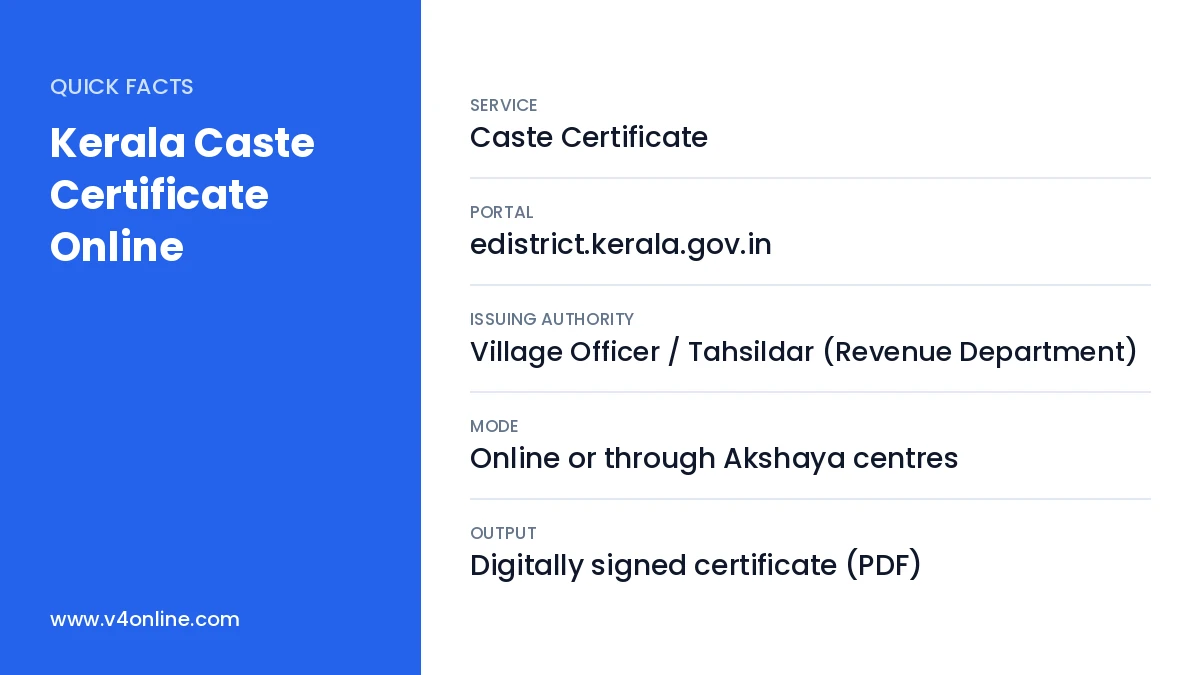
| Service | Caste Certificate |
|---|---|
| Portal | edistrict.kerala.gov.in |
| Issuing Authority | Village Officer / Tahsildar (Revenue Department) |
| Mode | Online or through Akshaya centres |
| Output | Digitally signed certificate (PDF) |
Uses of a Caste Certificate
- Reservation in school, college and professional course admissions.
- Reservation and age relaxation in Kerala PSC and central government jobs.
- Post-matric and pre-matric scholarships and hostel facilities.
- Housing, land and welfare schemes for SC and ST families.
- Fee concessions in examinations and competitive tests.
Caste Certificate and Community Certificate: The Difference
In Kerala, a caste certificate is mainly issued to SC and ST candidates and states the specific caste as listed in the constitutional orders. A community certificate is usually used by OBC and other communities to show the community for admissions and PSC purposes. Some applications ask for one or the other, so read the notification carefully. For the second type, see our guide on Kerala community certificate.
Documents Required for Kerala Caste Certificate Online
- Aadhaar card of the applicant.
- SSLC certificate or school certificate showing the caste.
- Caste certificate of the father or mother, if available.
- Ration card or other residence proof.
- Self-declaration and recent passport-size photo.
Kerala Caste Certificate Online: Step-by-Step
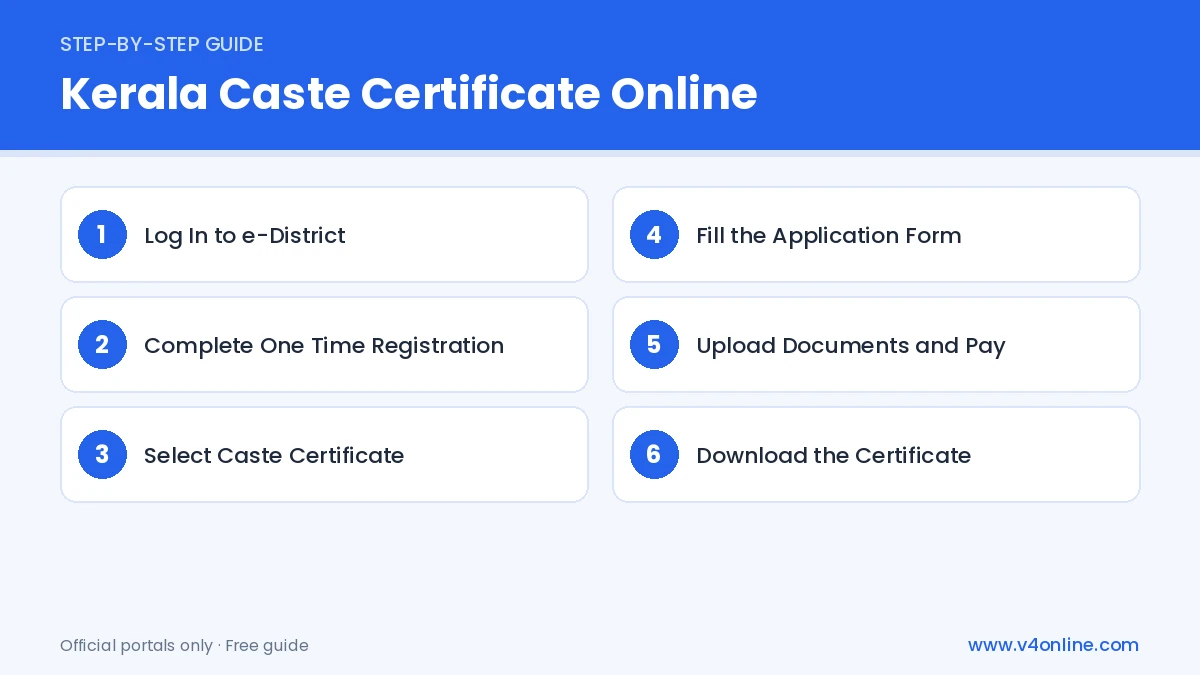
Step 1: Log In to e-District
Open edistrict.kerala.gov.in and log in with your username and password. If you are new, create an account using your mobile number. Our guide on e District Kerala login explains registration in detail.
Step 2: Complete One Time Registration
If the applicant is not yet registered, use the “One Time Registration” option to add their details, including name, date of birth, address and photo. You can register family members from the same account.
Step 3: Select Caste Certificate
Click on “Certificate” in the menu and choose “Caste Certificate” from the list of services. Select the registered applicant for whom you are applying.
Step 4: Fill the Application Form
Enter the caste, religion, purpose of the certificate and the parents’ details. Choose the correct village office and taluk based on your permanent address. Double check the caste name, because it will be printed exactly as selected.
Step 5: Upload Documents and Pay
Upload scanned copies of the documents in PDF or JPG format within the size limit. Preview the application, submit it and pay the small service fee online. Save the application number shown on the acknowledgement.
Step 6: Download the Certificate
After verification by the Village Officer, the certificate is approved. Log in again, open “Application Status”, and download the digitally signed certificate.
Processing Time and Verification
A Kerala Caste Certificate Online application is usually processed within a few working days. The Village Officer checks school records and family certificates, and may call the applicant for an enquiry if the documents are not clear. Applications with complete and readable documents are approved faster. If the status shows “Returned”, read the remarks, upload the missing document and resubmit.
How to Verify the Certificate
Each e-District certificate has a unique certificate number. Offices can check it on the e-District website using the “Certificate Verification” option. This makes the certificate safer against tampering and helps authorities accept it quickly without any physical attestation.
Applying Through Akshaya Centres
If you do not have a computer or scanner, visit an Akshaya centre with the original documents. The operator registers the applicant, fills in the form and uploads the documents for a small service charge. You receive a printed receipt with the application number, which you can use to track the status online. The certificate can later be downloaded from the centre or from your own e-District account.
Mistakes to Avoid
Do not select a caste name that differs from your school records, as this leads to enquiry and delay. Avoid uploading photos of documents taken at an angle or in poor light. Make sure the father’s and mother’s names match across all records. Careful filling is the key to getting your Kerala Caste Certificate Online approved on the first attempt.
Frequently Asked Questions
Can I apply for a Kerala Caste Certificate Online from my phone?
Yes. The e-District website works on mobile browsers, and Akshaya centres can also help.
How long is a caste certificate valid?
Caste does not change, but many offices ask for a recently issued certificate, so check the requirement.
What if my caste is written wrongly in SSLC?
Correct the school record first, or submit supporting documents for enquiry by the Village Officer.
Who issues the caste certificate in Kerala?
It is issued by the Revenue Department, usually the Village Officer, and in some cases the Tahsildar, after verifying your records.
Is there a fee for the Kerala Caste Certificate Online?
A small service fee is charged at the time of application, which you can pay online through net banking, card or UPI.
Conclusion
Getting a Kerala Caste Certificate Online through e-District is quick and transparent. Register once, keep clear documents ready, choose the correct village office and track your application. Along with this, you may also need an income certificate online for scholarships and reservation benefits.